v1.2e (29.09.2006)
New device support: Coship/SmartVision CdvbAny2030s (by Nexus)
"Reset device" fix for Pinnacle and DVBWorld
Bug fixes


v1.2e (29.09.2006)
New device support: Coship/SmartVision CdvbAny2030s (by Nexus)
"Reset device" fix for Pinnacle and DVBWorld
Bug fixes
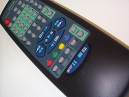
- When installation is completed, double click on the WinLIRC icon at tray
- Click on "Reconfigure" button to see Configuration dialog
- Click on "Browse button" to specify B2C2 remote configuration file
- Select b2c2.def (c:\dvbdream\winlirc\b2c2.cf) and click on OK
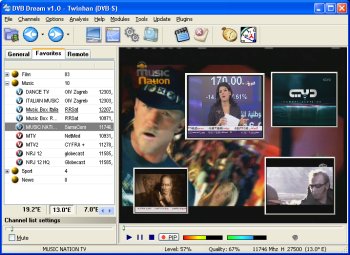
- Start Dvb Dream and open Remote options
(Main Menu->Options->Remote->Options)- Then select "WinLIRC" as remote type and close the window
- Now you are ready to use your B2C2 remote in DD !
 Posting Permissions

 Reply With Quote