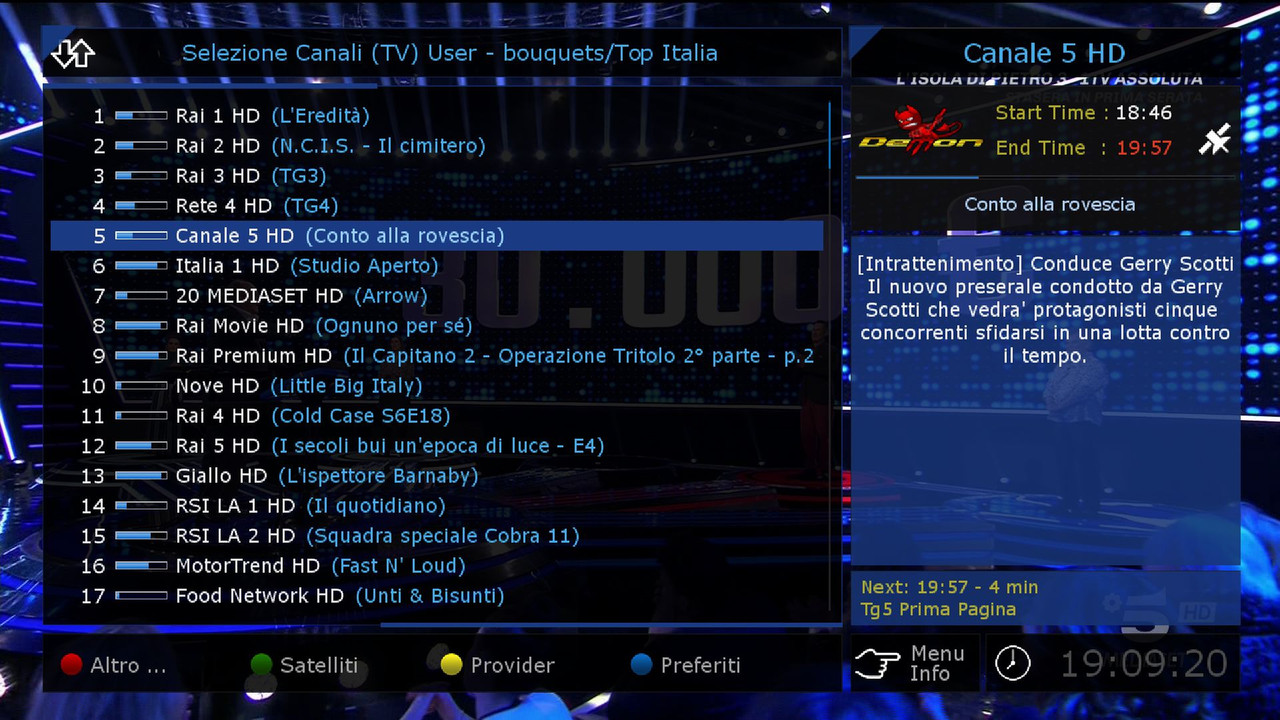
Update Image 8.3 OE2.5 dm520
-----------------------------------------
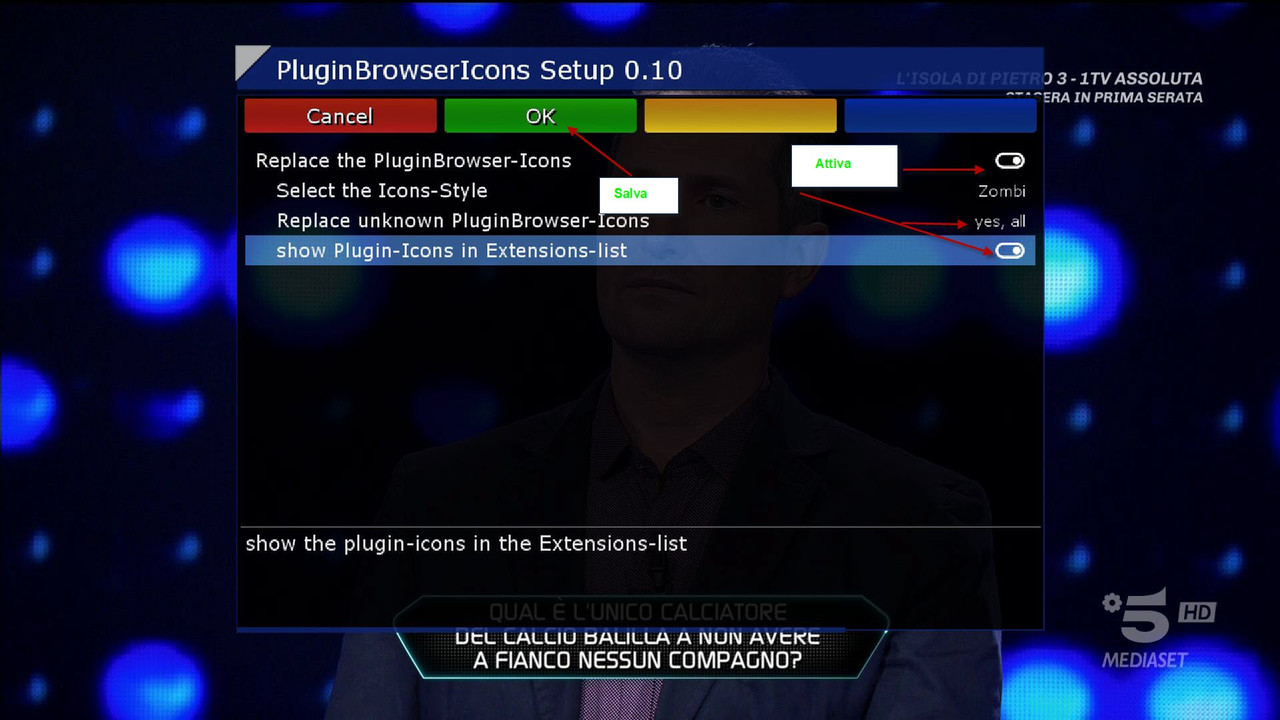
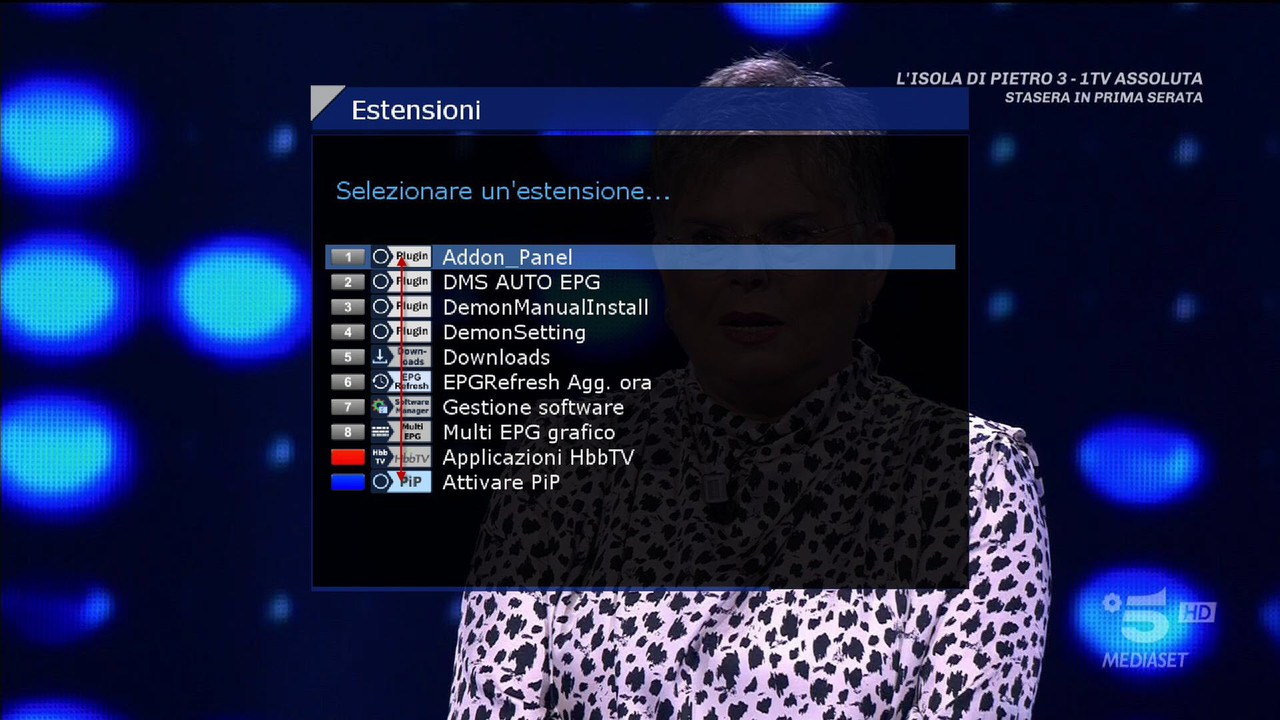
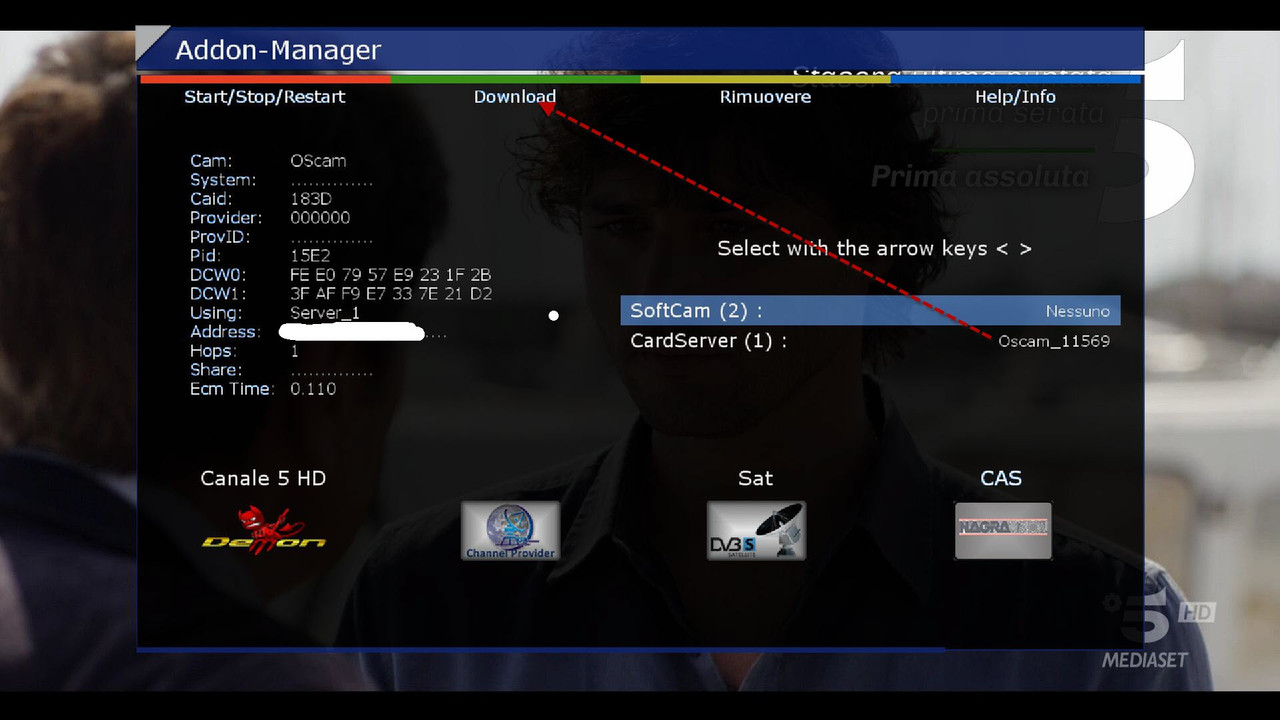
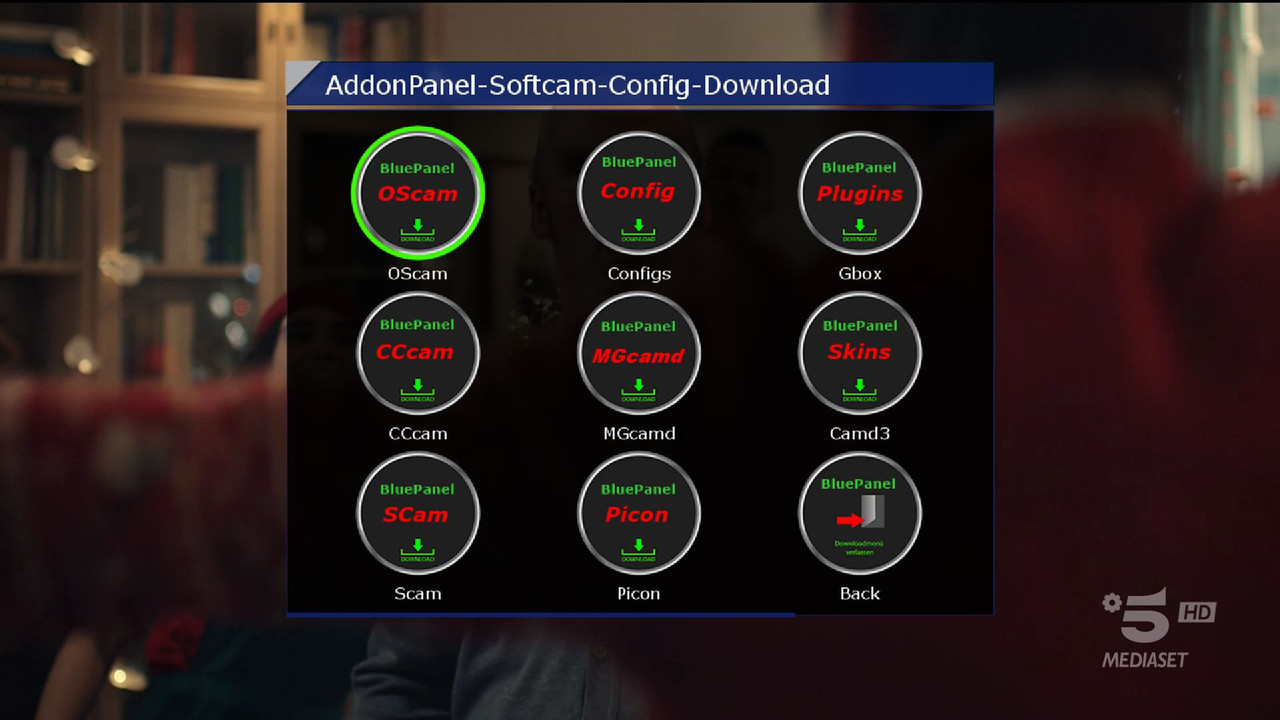
Download settings dal menu-Plugin-oppure dal tasto blu
DemoSetting
-------------------------
Download settings from the menu-Plugin-or the blue button
DemonSetting
-------------------------
Date: 2020-05-18 11:43:27.763123
Distro: opendreambox 2.5.0
Drivers: 3.4-4.0-dm520-20180222-r0.0
Enigma2: 4.3.2r12-r0.1
Kernel: kernel-image-vmlinux.gz-3.4-4.0-dm520, kernel-image-3.4-4.0-dm520, kernel-image-vmlinux.gz 3.4-r1.1
MD5: 30d9b22868bfdd18ca6c3e94705e7640
Machine: Dreambox DM520
SHA256: f95afdb50347d617523e76427556c58c550bc1be 4c3dca0fabe43903a4c662eb
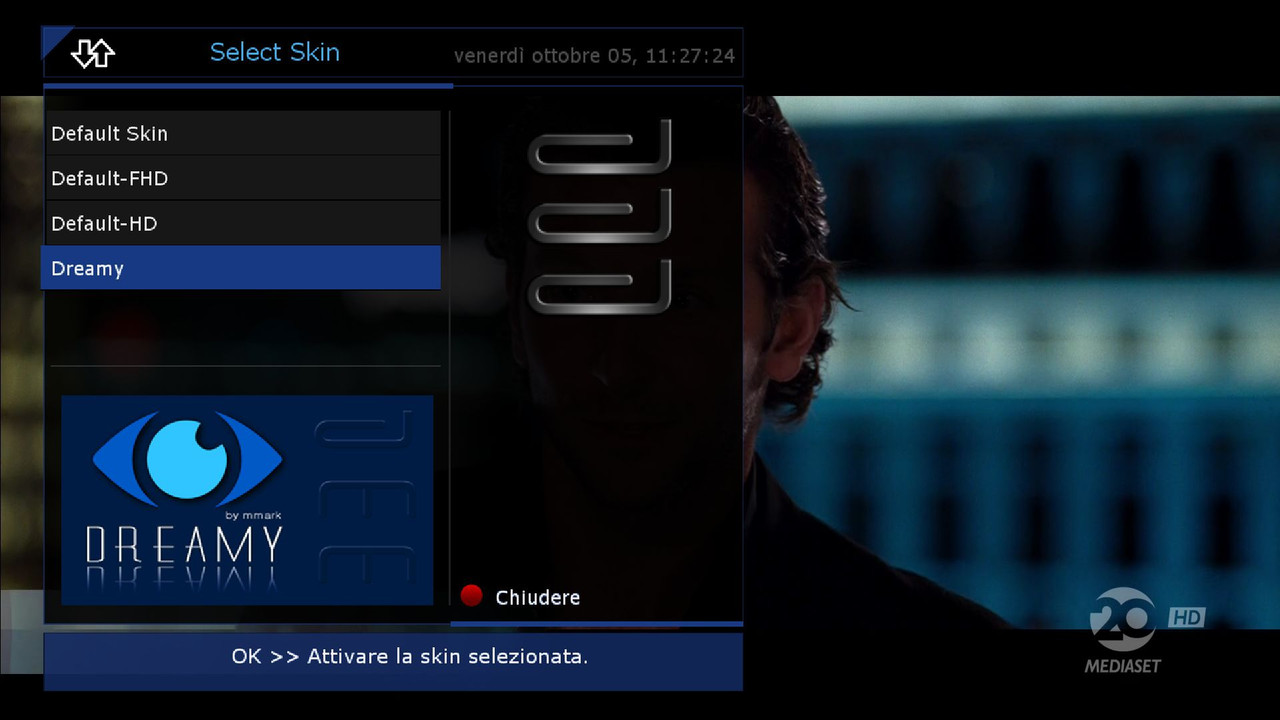
Skin Default HD
if you want to change
go in
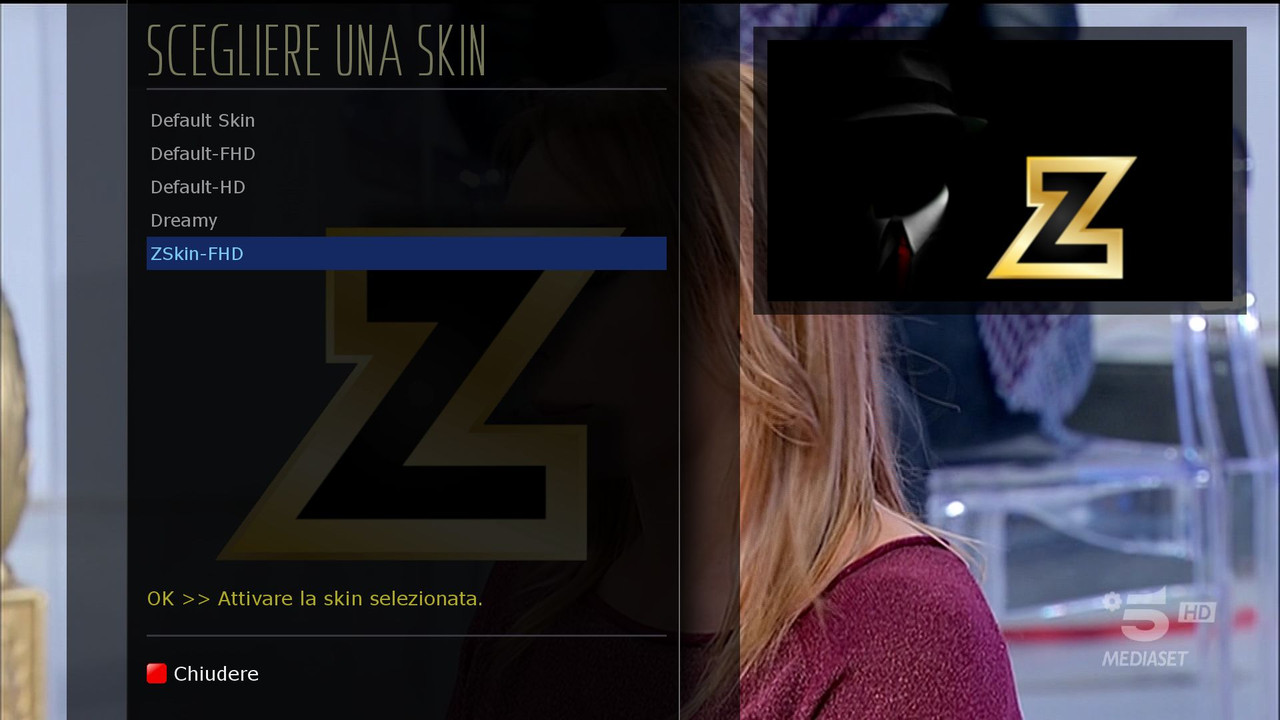
Menu, Setup, Audio and Video.Skin.. insert the Dreamy
-------------------------------------------------------------------------------
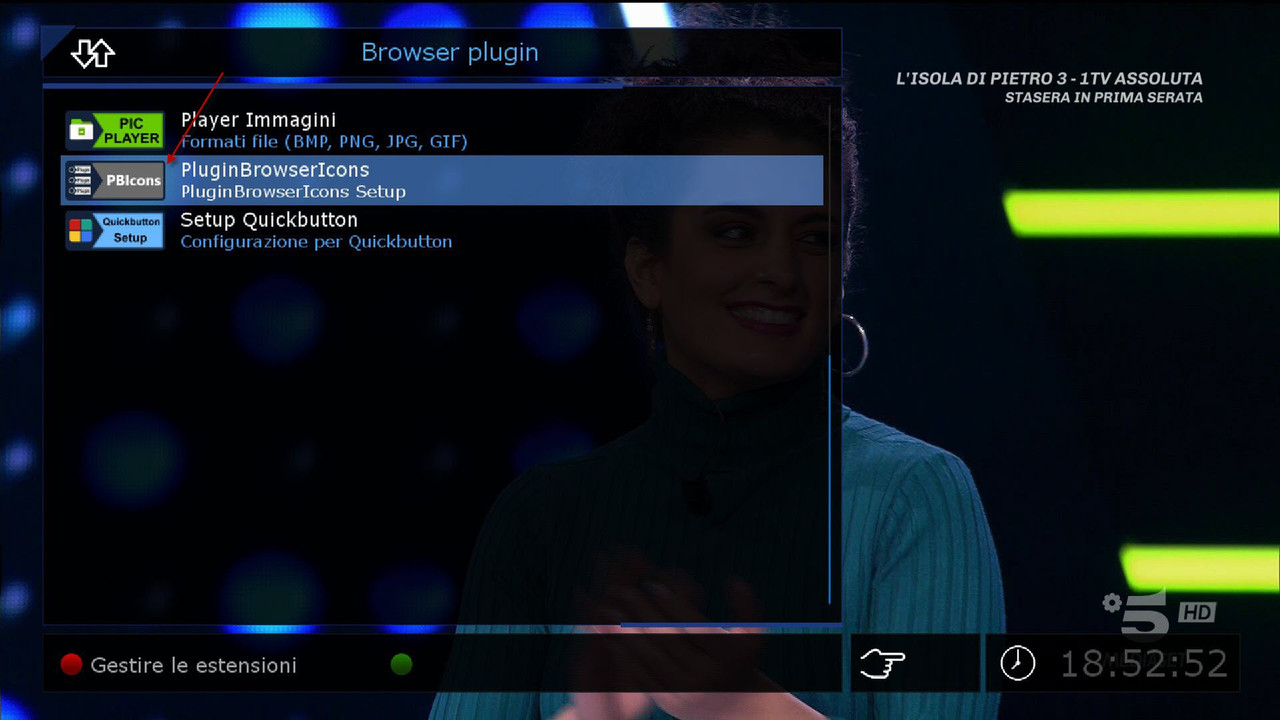
Panel made by the BoxPirates team
Edit by the demonisat team
Thanks to Team BoxPirates
Code:http://www.mediafire.com/file/86907psxrcawayd/dms-image-8.3-dm520-20200518093718.rootfs.tar.xz/file

 Reply With Quote