Update 19.03.2020-
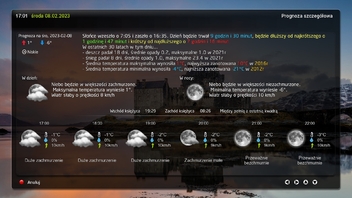
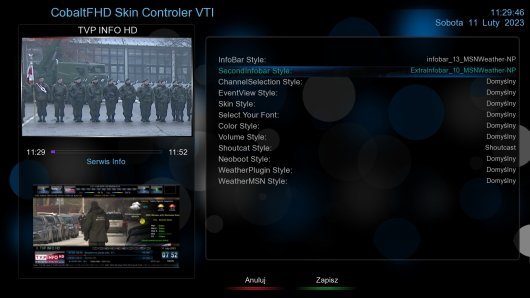
New skin CobaltFHDby fhroma
Version 3 completely changes the add-on selection system. Please install on an image where an earlier version of Cobalt was not installed. 1. We install the skin. Restart. 2. Plugs, CobaltFHD Configuration. Restart 3. We choose the skin, Restart 4. We make changes by going to plugs and CobaltFHD left / right configuration
BlackHole
Download

 Reply With Quote