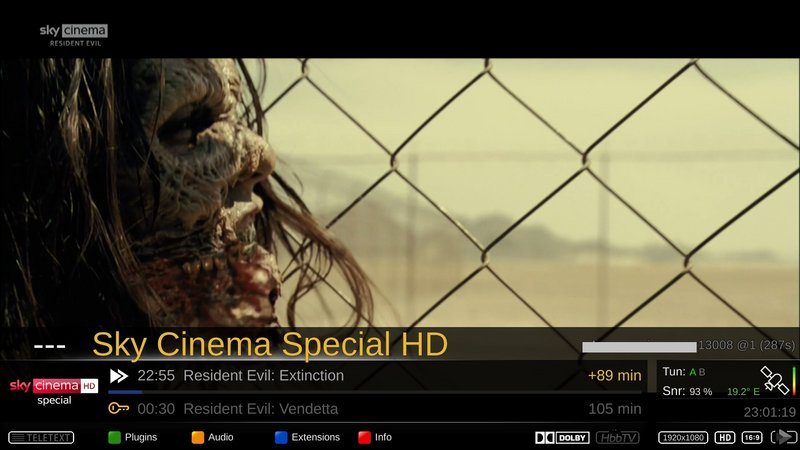
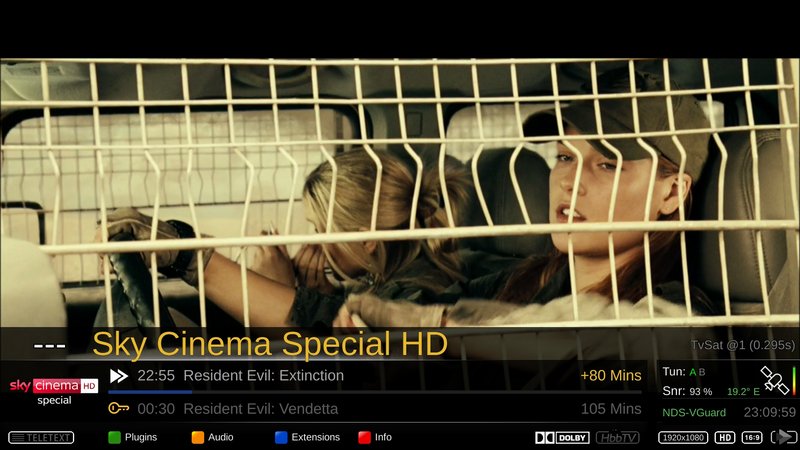
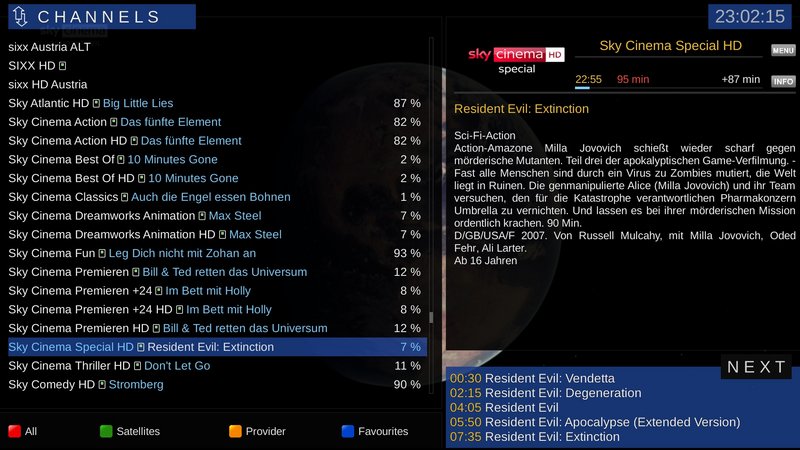
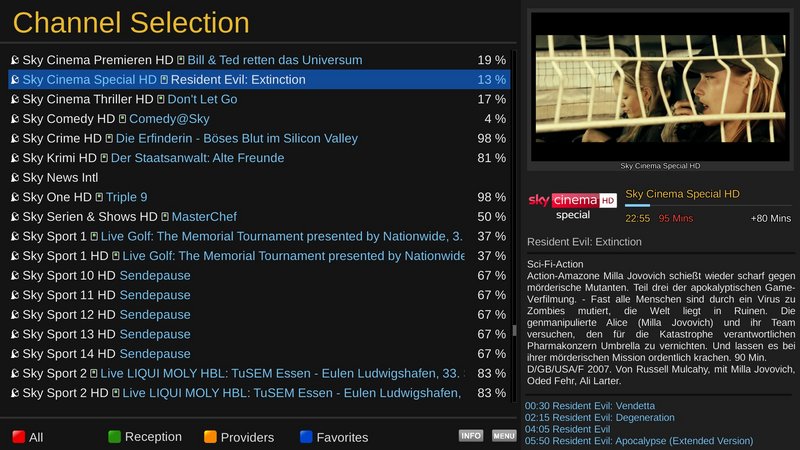
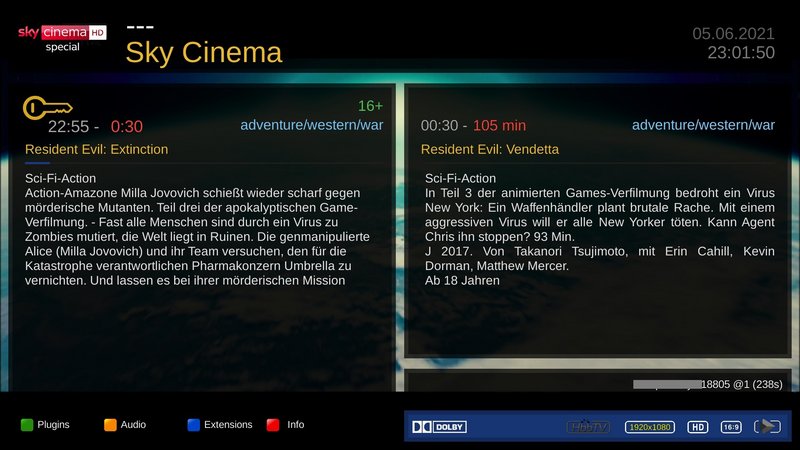
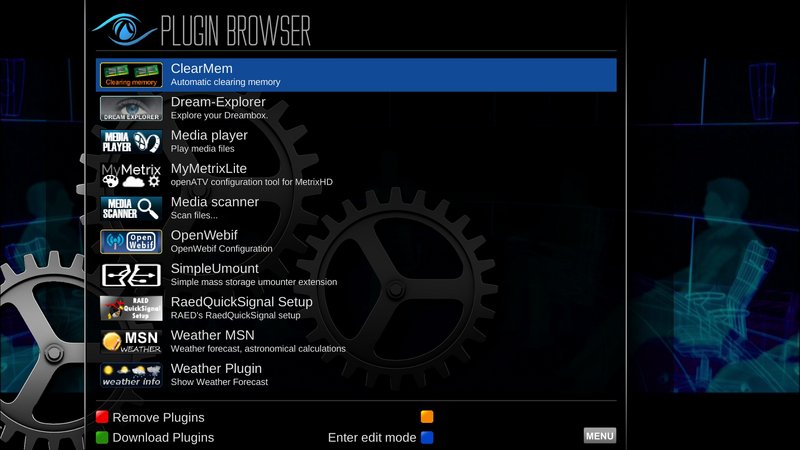
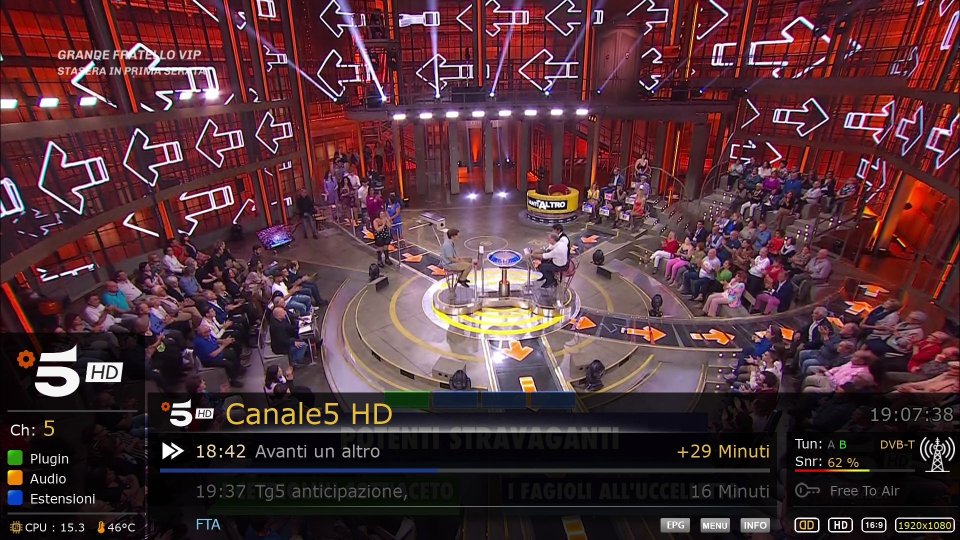
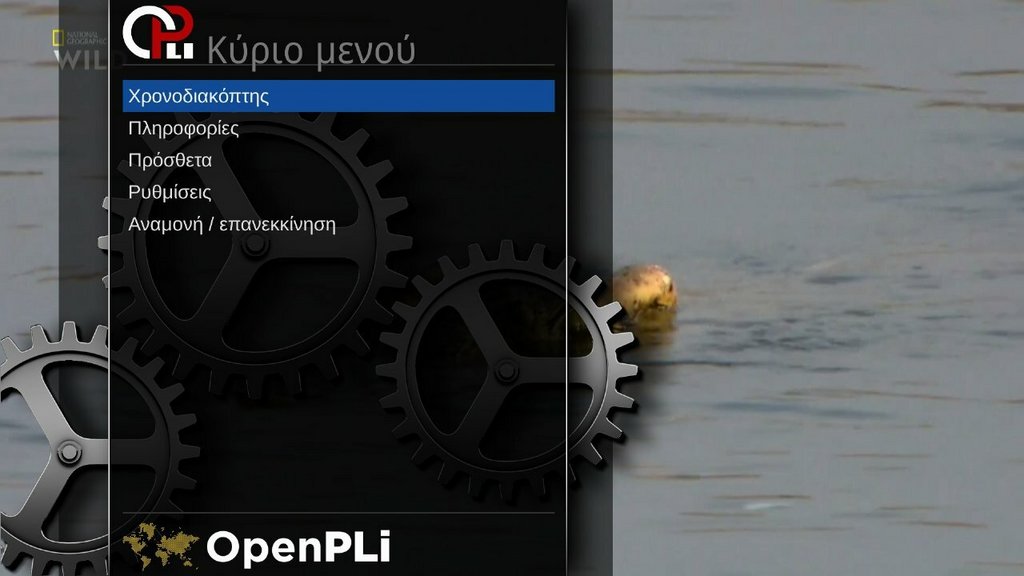
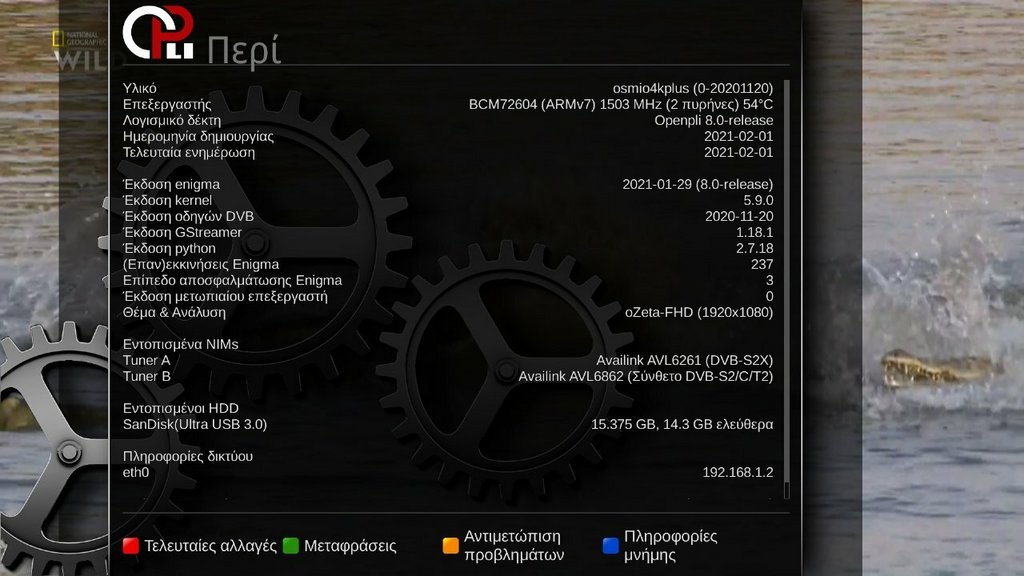
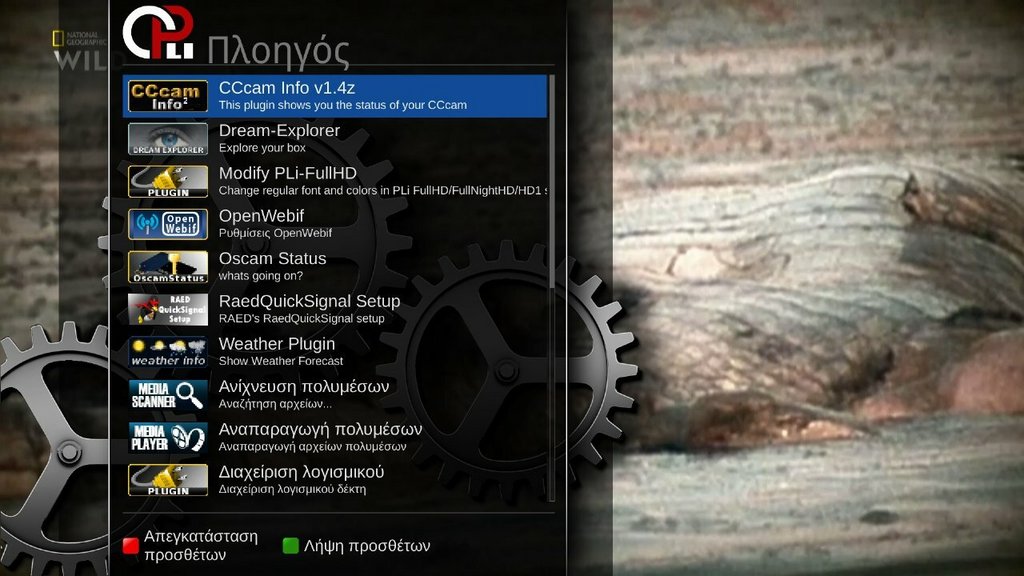
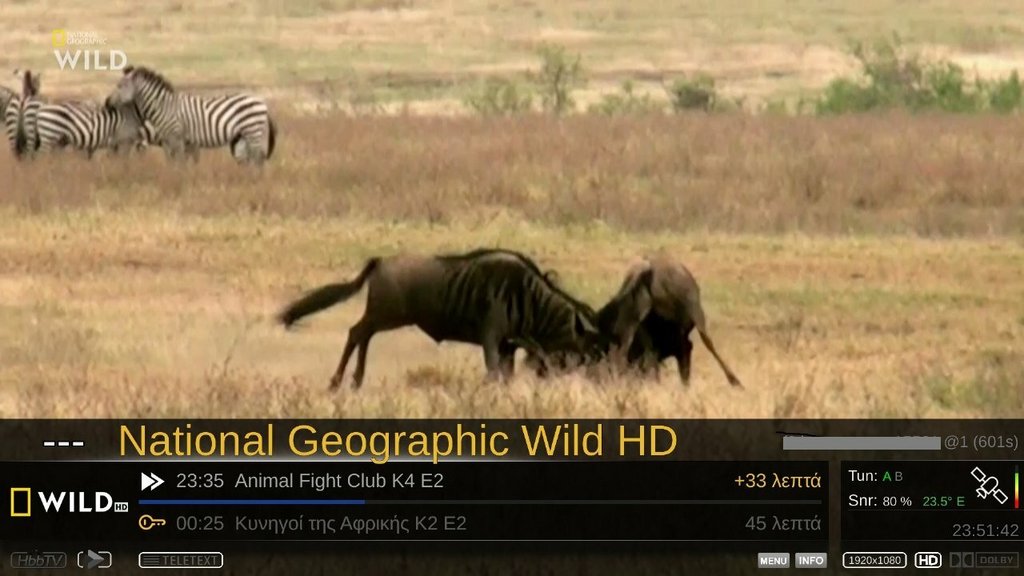
Skin oZeta-FHD by mmark for PLi
Total compatibility, no additional component required.
Porting to OpenATV started
Tested with my OSmioPlus 4k...
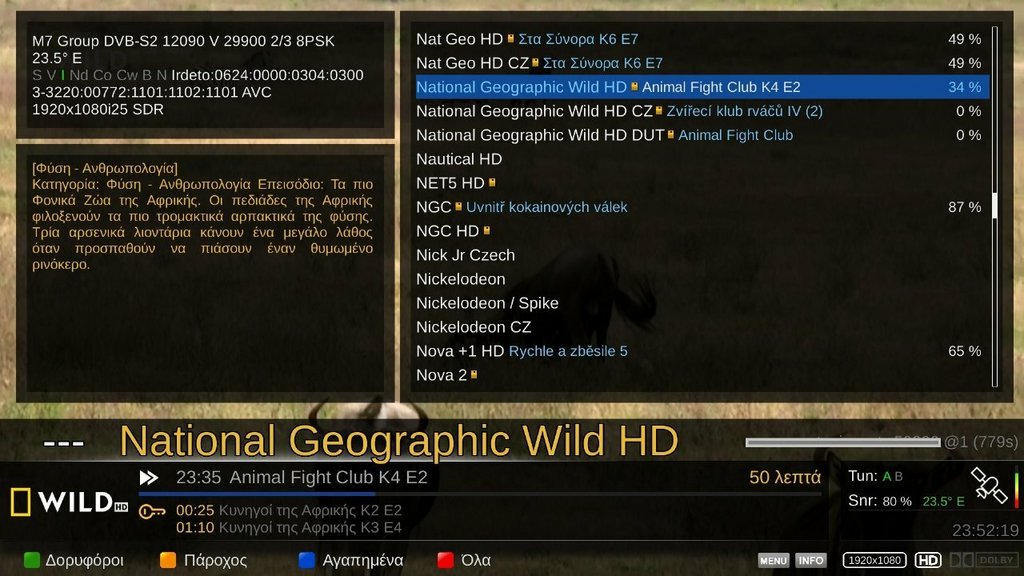


Skin oZeta-FHD by mmark for PLi
Total compatibility, no additional component required.
Porting to OpenATV started
Tested with my OSmioPlus 4k...


oZeta-FHD_v1.5.1 for Pli & ATV
Thanks mmark


enigma2-plugin-skins-ozeta

 Re: [Skin] oZeta-FHD
oZeta-FHD_v.2.0.0 for Pli & ATV
Lululla wrote
The skin is basic, so the options you can install (find an .ipk file) are just to show you how the created panel system works.
The skin has been tested on openspa - openpli and openatv.
For a correct installation it should be installed from ipk as there is information regarding the type of image used in your boxes.
The plugin dedicated to its proper functioning is called zSetup
From here you can choose the parameters for your skin.
You can also import and set some widgets, such as the weather, or posters
Just follow the on-screen instructions.
Thank's Mmark & Lululla
DOWNLOAD PLI
18/02/2023 Some fixes for v.2.0.0
How to remove oZeta Skin
remove from plugin browser (red button)
or from telnet line:
opkg remove enigma2-plugin-skins-ozeta
or you can also just remove the skin folder located in
/usr/share/enigma2/oZeta-FHD
and this
/usr/lib/enigma2/python/Plugins/Extensions/oZsetup
Thank's Mmark & Lululla
DOWNLOAD
Skin -ozeta_ OpenAtv - OpenPLi - OpenSPA: by MMark
Skin by MMark (OpenAtv - OpenPLi - OpenSPA


08.03.2023
Skin oZeta-FHD by mmark for PLi
OPTIONS 2
you must first update the ozeta skin from the zsetup plugin to today's date, and then you can insert these new Backdrop options, it's just an example of the multiple functions of this skin
- or download options from zsetup menu
22.03.2023
Skin oZeta-FHD by mmark for PLi
install oZeta skin or update from pluginzSetup
v.2.1a
Update online from zSetup Plugin
- fixed Encoding type
Thank's Lululla
16.06.2023
Skin oZeta-FHD by mmark
Little Update
 Posting Permissions

 Reply With Quote