


ArabicSavior Plugin
There were many complaints and posts about the lack of appearance of the Arabic language or its appearance distorted in the enigma images.
The reasons for this:
1- Using a skin that supports a fond that does not support the Arabic language.
2-Using plugin the font does not support the Arabic language, and sometimes even without running this plugin, it cancels the Arabic language, and the main solution is not to install this plugin, and since the user may be a beginner or lazy to modify the skin.xml to put a font compatible with the Arabic language, or in the second case, the anti-Arabic language needs a plugin It is indispensable.
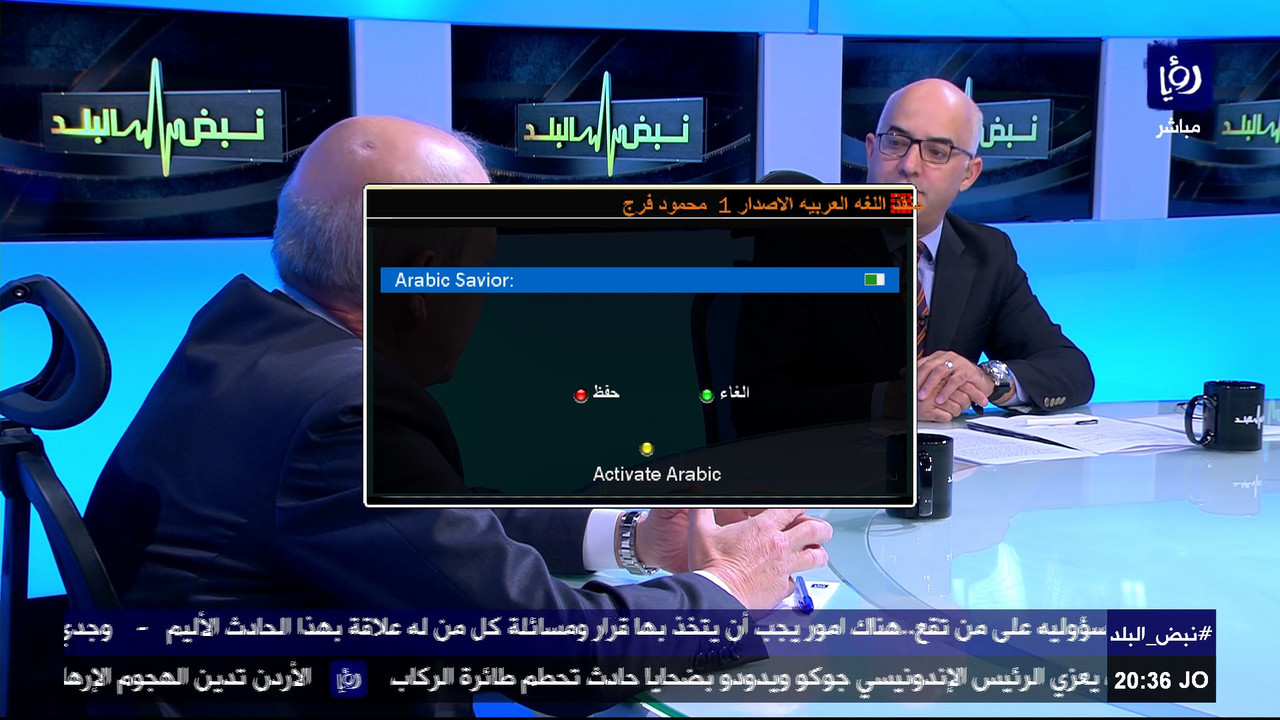
So as a quick solution, I put this small plaque to save the Arabic language.
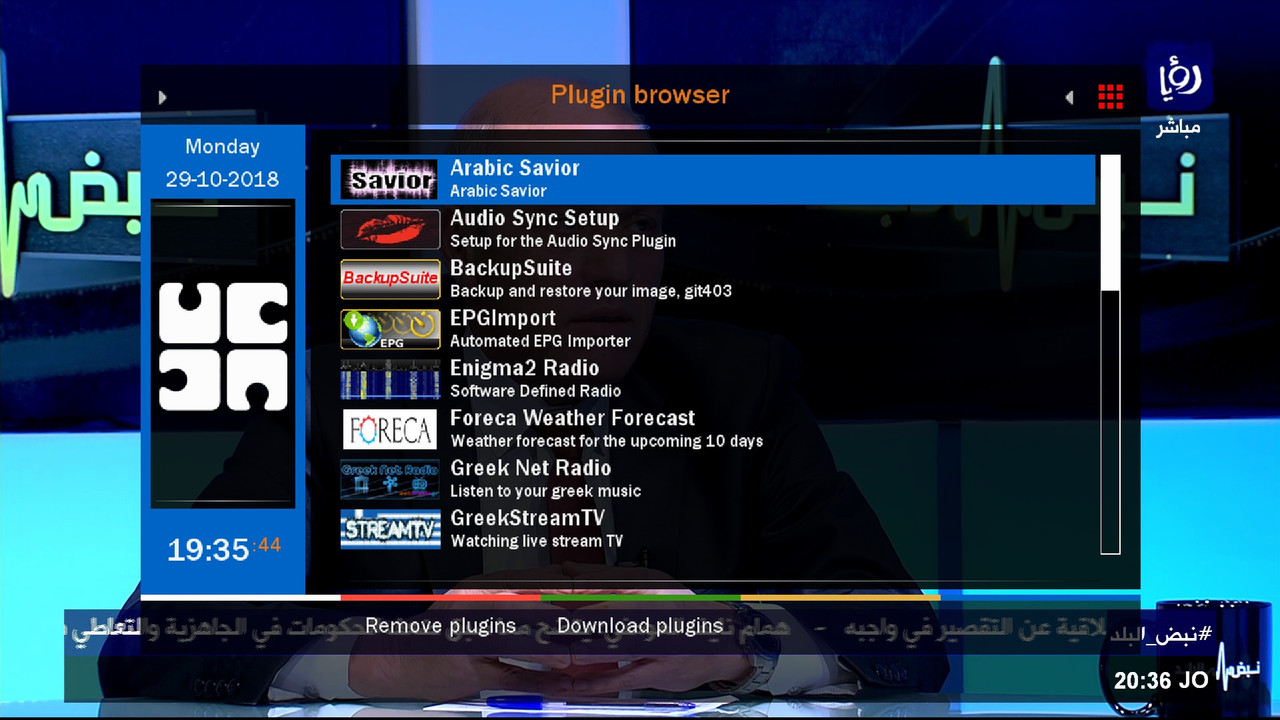
But sometimes we need to open the plugin after entering the plugin, which distorts the Arabic language or hides
it.
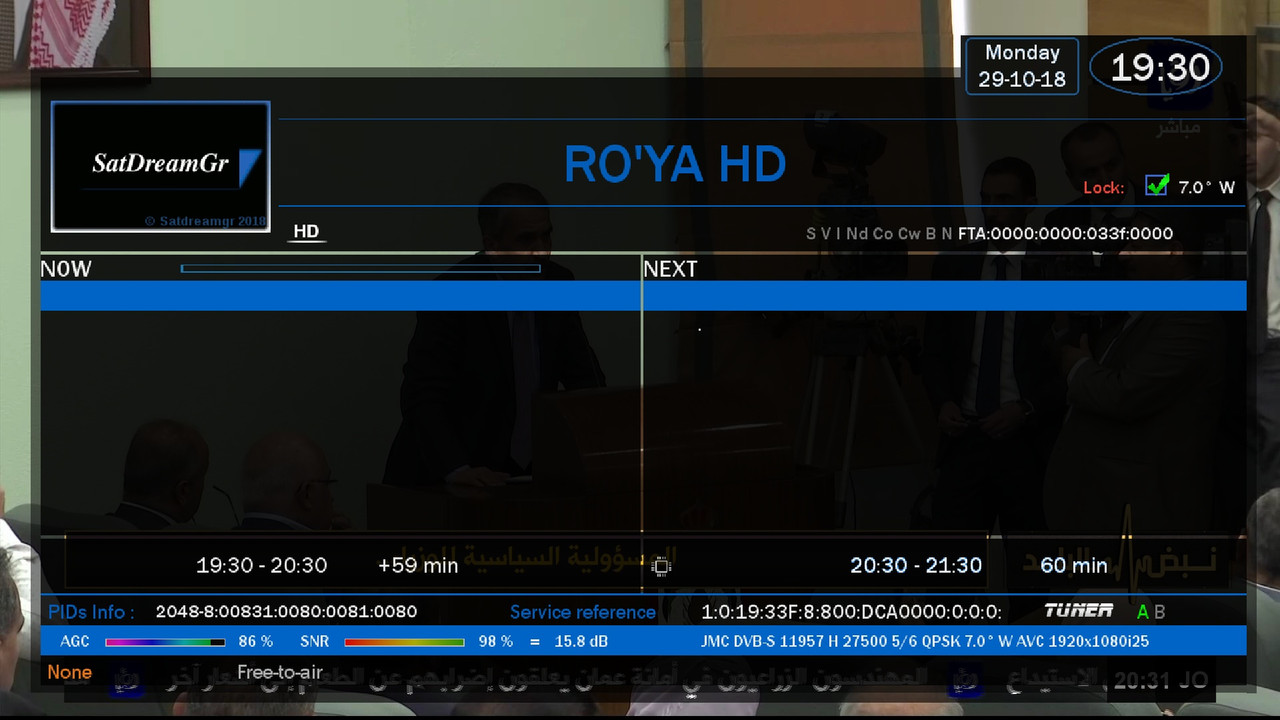
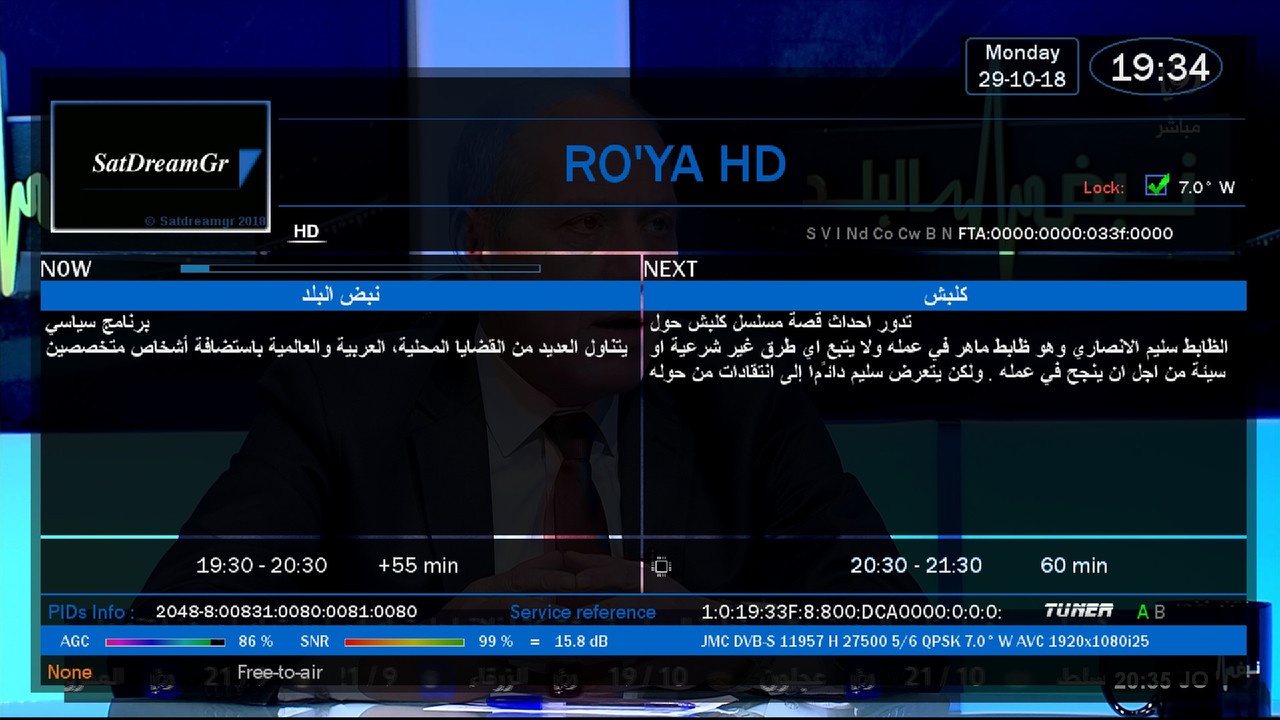
This example is from the image of satdreamgr 6 for vusolo2 where the approved knife does not support the Arabic language.
The first picture shows that the epg does not appear before installing the blacken
The second picture was taken after the installation of plugin Savior
Installation command Plugin
Code:wget http://tunisia-dreambox.info/TSplugi...r/installer.sh -O - | /bin/sh
Delete the plugin from telnet
After the installation or deletion process, you must restart enigma2Code:rm -r /usr/lib/enigma2/python/Plugins/Extensions/ArabicSavior
Thx @mfaraj57 (رحمه الله)

 Reply With Quote