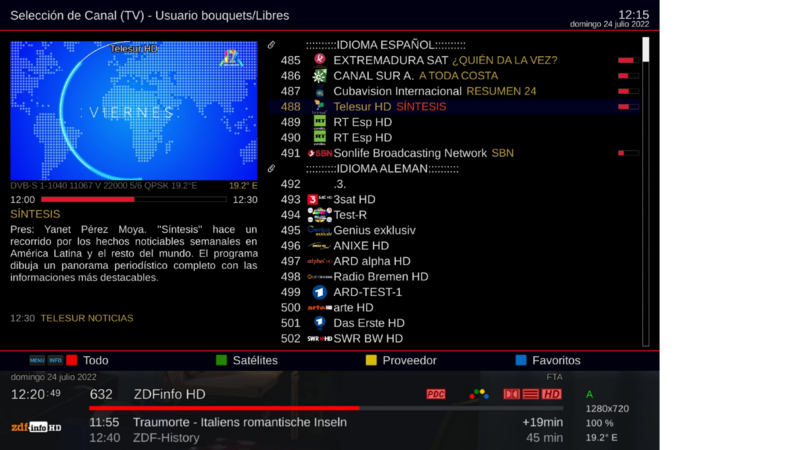
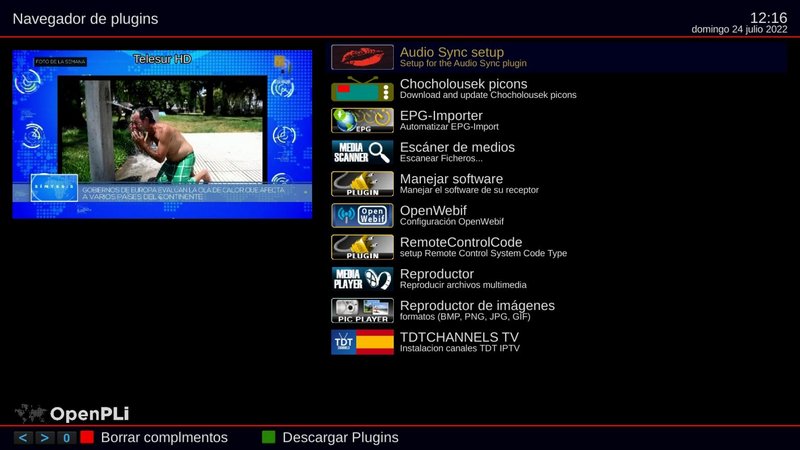
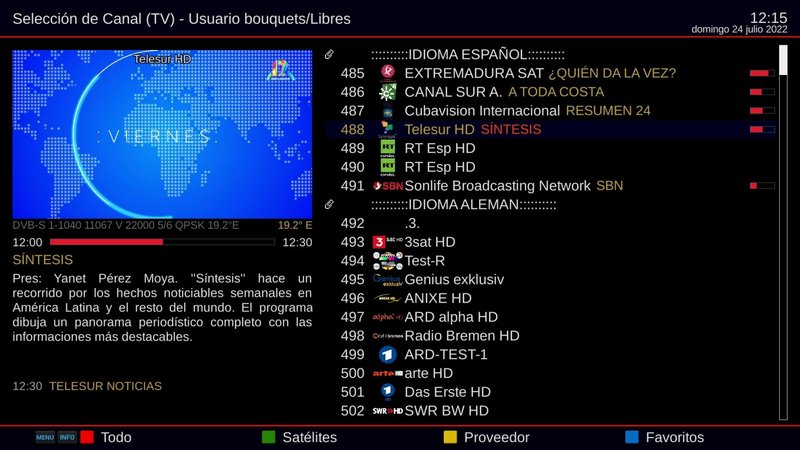
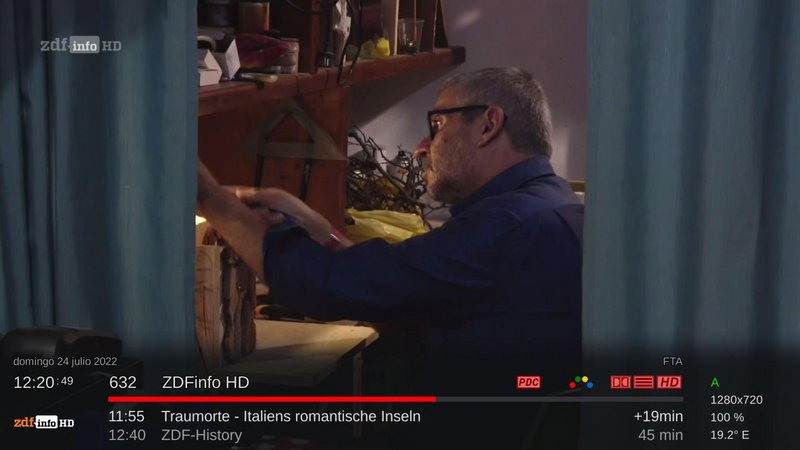
FullNightHD PLi Skin
-Copy and replace files as needed and restart the device.
Thx @ Chari7


24.09.2023
PLi-FullNightHD edit by linux boys
Update skin default image Open Pli 9
+ Added weather
+ Added percentage
+ Added full frequency network information
+ Add Amalator
and minor changes in appearance
For weather, please install RaedQuickSigna with the following telnet command and enter the city into the plugin
wget https://raw.githubusercontent.…kSignal/main/installer.sh -O - | /bin/sh
update added tar.gz file
Skin PLi-FullNightHD for openpli9 Edit by DR.SAT
photo_2024-05-26_23-51-25.jpg@ DR.SAT:
The default PLi-FullNightHD skin is an openpli9 image edited by me. Just unzip the attached file and go to the path below and replace the file with the same name, then go to the skins section and select it from this beautiful skin.
usr/share/enigma2
Enjoy.
photo_2024-05-26_23-53-21.jpg


PLi Full Night HD
for openpli 9 edit by DR.SAT
1- First, copy the PLi-FLLLNightHD skin file to usr/share/enigma2 path
2- Copy the existing two converters in the path usr/lib/enigma2/python/Components/Converter
3- After extracting the weatherplugin folder from the zip, copy it to the usr lib enigma2 python plugin extension path
4- Copy the user folder to the root of the device after exiting the zip
5- Copy the font in the usr/share/font path (for Persian and Arabic language users)
6- Reset Enigma device
Now go to the skins folder on the device and select the Fullnight skin and
Enjoy this beautiful skin
Can be installed on openpli 8 & 9 image
 Posting Permissions

 Reply With Quote