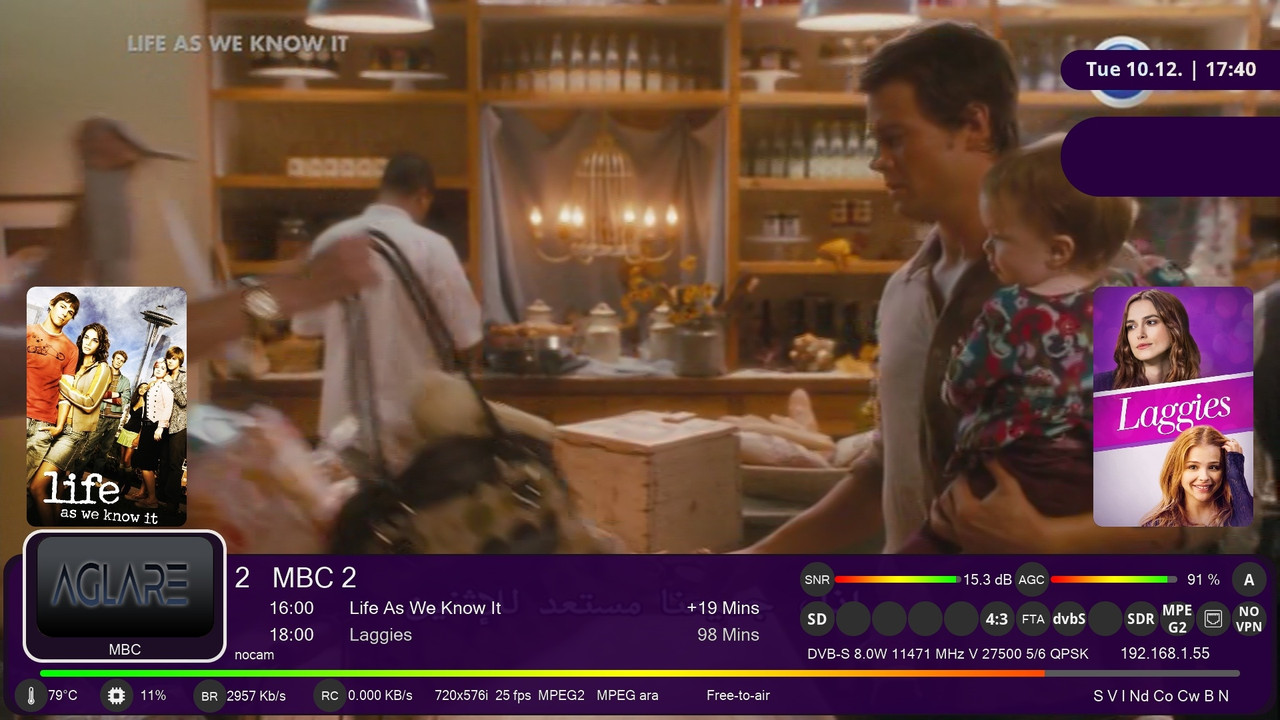
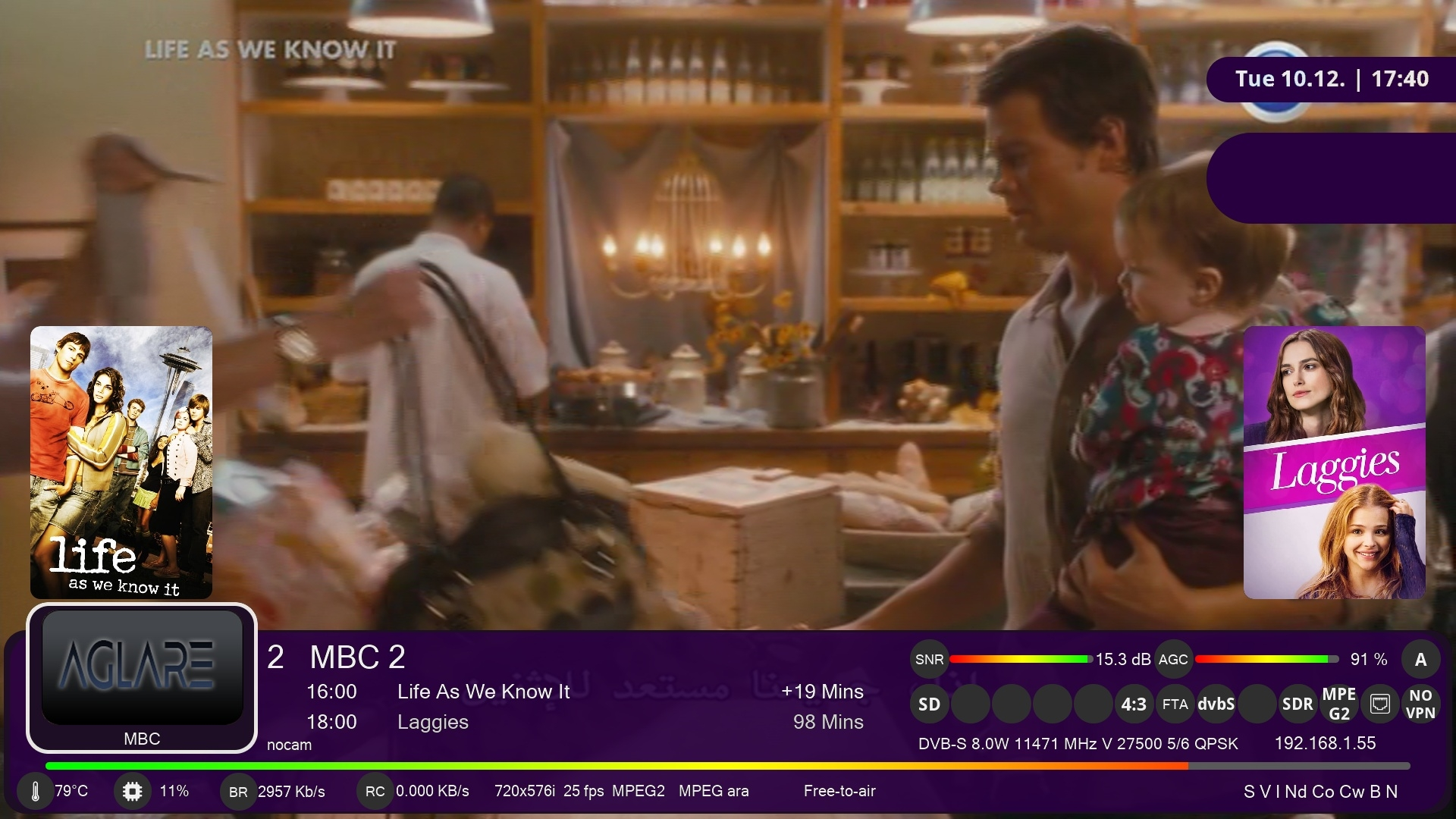
Aglare-FHD-PLI v4.6
Aglare-FHD-PLI v4.6
* Update components , thanks to Lululla
* Fix green color.
* other small fixes
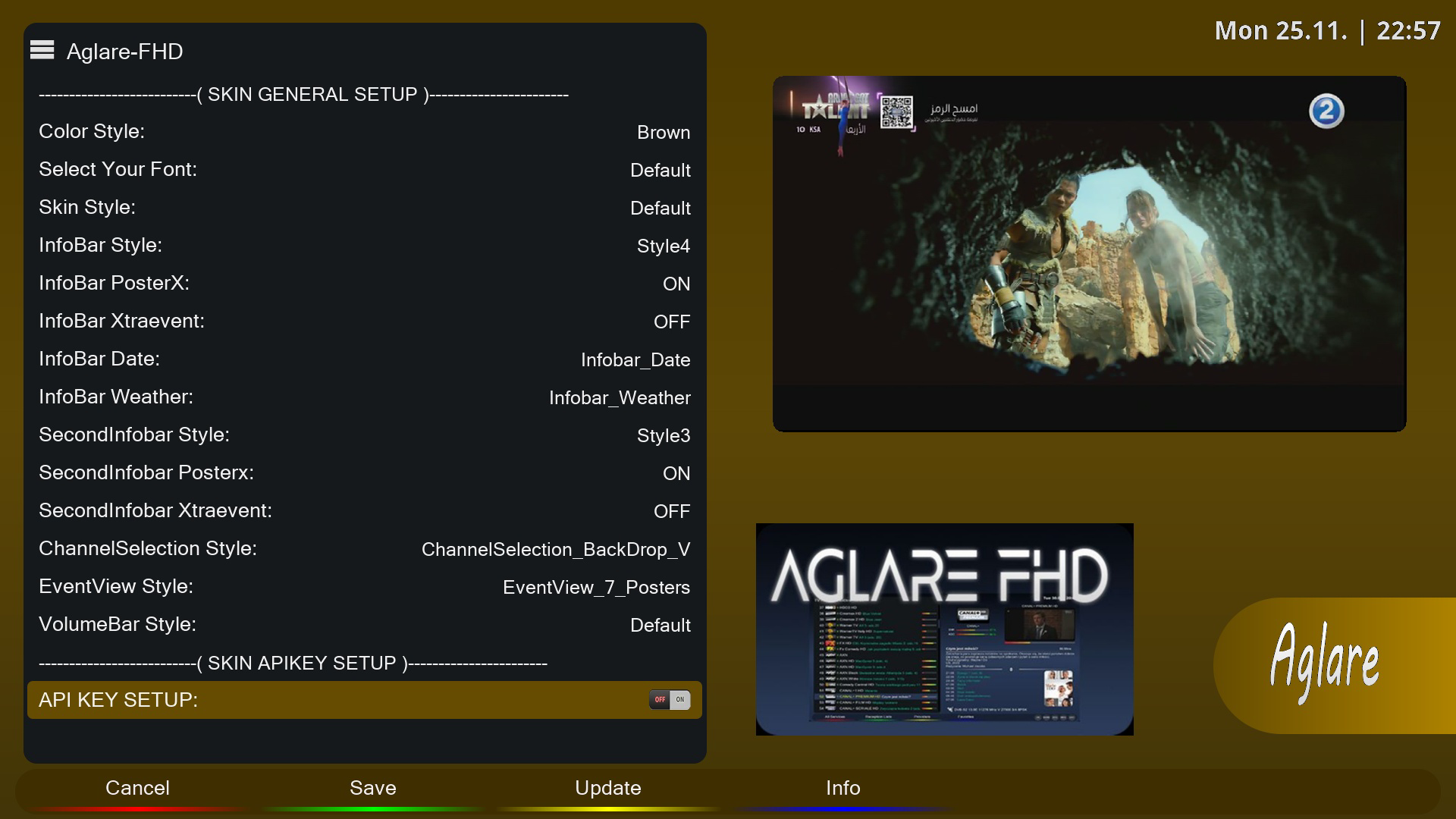
and online update from within aglare setup plugin is also available .
thanks odem2014


Aglare-FHD-PLI v4.7
New Update
Aglare-FHD-PLI v4.7
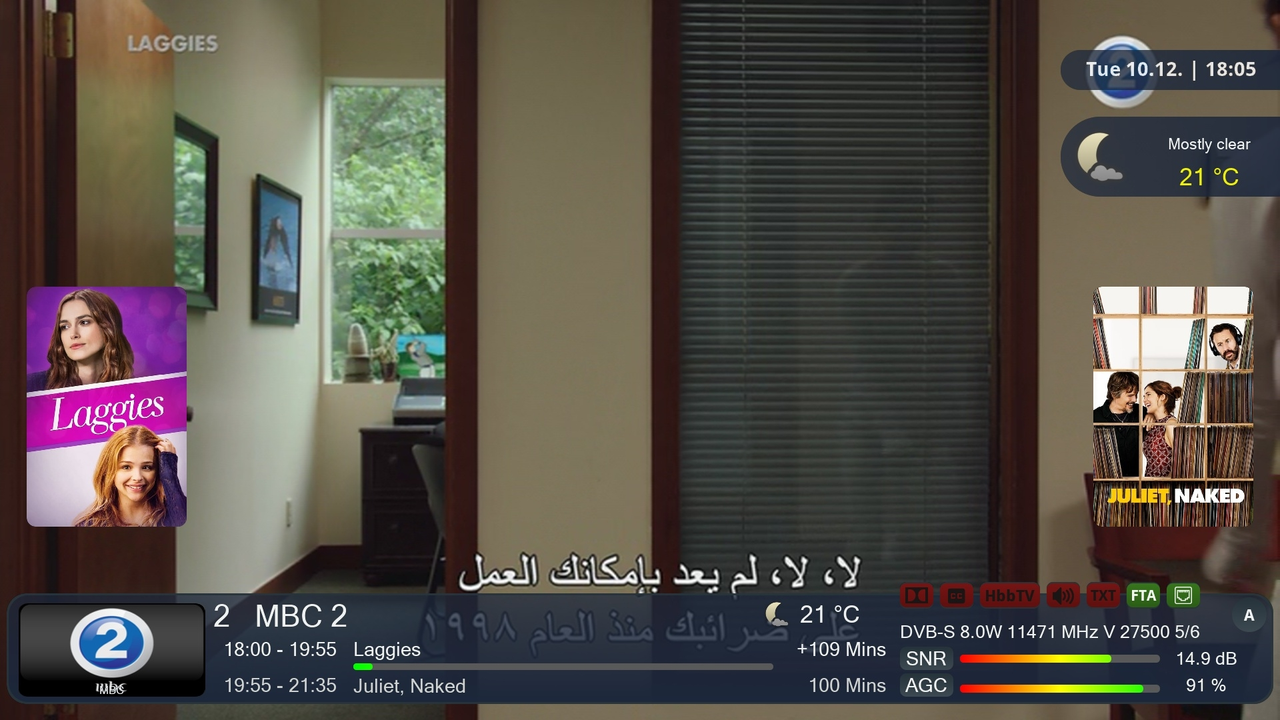
*Add 2 new styles for infobar " style 3 and style 4 "
*Update posterx renderer component thanks to Lululla
*Add an option to add E2iplayer skin
*Add teamblue image logo
*Minor fixes
and online update from within aglare setup plugin is also available .
thanks odem2014
Aglara FHD versıon : 4.9
UPTADE / 27.12.2024New Update
Aglare-FHD v4.9
* Update posterx renderer thanks to Lululla
* Add python version under image logo in mainmenu screen .
* Some other minor fixes
online update is also available from within setup aglare plugin .


Aglare-FHD-PLI v4.8
* Update posterx renderer thanks to Lululla
* Add support to OpenTR
* A lot of menu screens fine adjustments .
* Add python version to main menu
* Add image logo beside title of the screens.
Aglare-FHD-PLI v4.9
New Update
Aglare FHD Pli v4.9
07.01.2025
* update posterx renderers , thanks to Lululla
* fine adjustments to menu screens
* add support for openpli python 3.13 developed by foxbob , thanks to foxbob
* add screens for alternative softcam manager and Ciefpsettings Panel
* add spinner
Online update is also available from within setup aglare plugin
thanks odem2014

New Update 07.01.2025
Aglare-FHD v5.0
* update posterx renderers , thanks to Lululla
* fine adjustments to menu screens
* add image logo beside titles of the screens
* add screens for alternative softcam manager and Ciefpsettings Panel .
* add spinner
* other minor fixes
aglare52.jpg
aglare51.jpg
Download
Online update is also available from within setup aglare plugin.
Thx @ Odem2014

version 4.9 of AglareFHD PLI does not show the list of images in the multiboot (edision Mio 4K), you have to change skin to use the multiboot.
Can this problem be solved? Thank you.
Aglare-FHD v5.2
* improve some skin colors
* add Green2 color
* add "menu" and "help" button in the new devicemanager screen
* add eparted plugin screens
* clean up some old forgotten screens
download from telnet command
Code:wget -q "--no-check-certificate" https://raw.githubusercontent.com/po...v/installer.sh -O - | /bin/sh
Online update is also available from within setup aglare plugin
ega1.jpg
Thx @ odem2014
 Posting Permissions

 Reply With Quote