Aglare-FHD v 7.7
New update
Aglare-FHD v7.7
* add color style 'Mix1'
* revert back to normal epg style in infobar
* revert back to eventview event description .
thanks odem2014





Aglare-FHD v8.0
New Update
Aglare-FHD v8.0
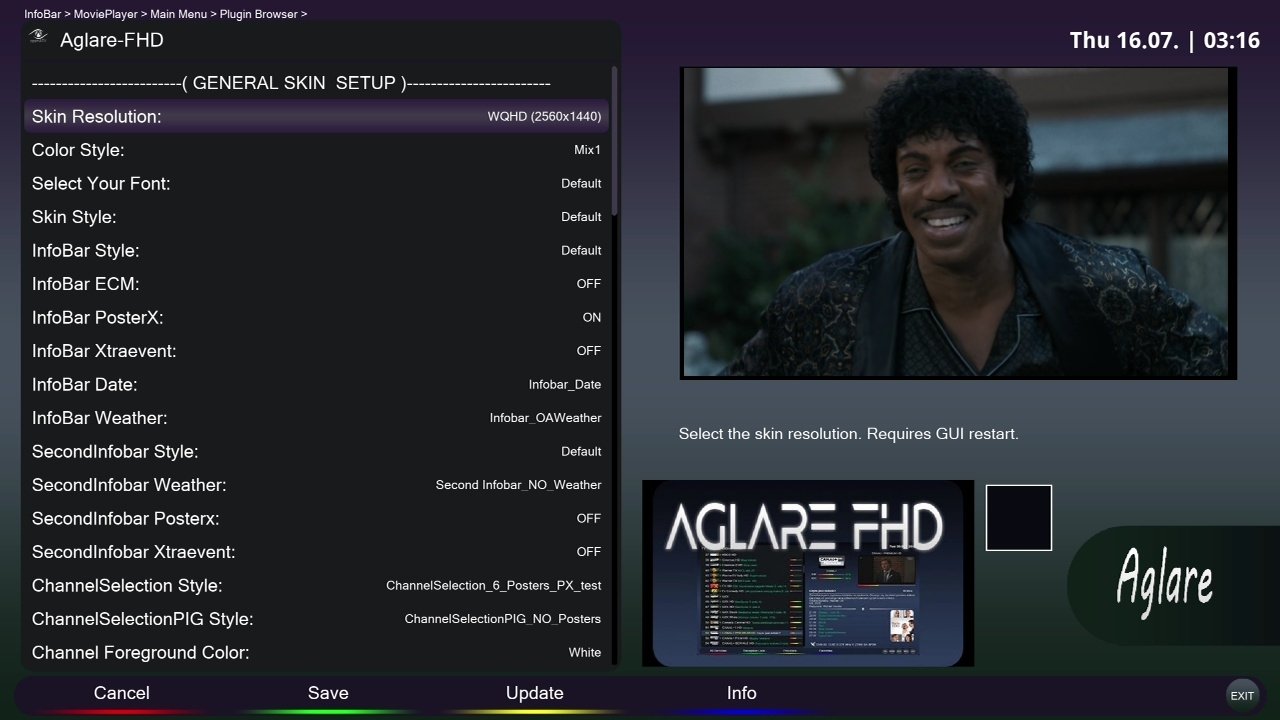
* Add WQHD resolution support , now you can select the resolution FHD or WQHD from aglare setup plugin , FHD is the default resolution after skin installation.
NO online update is available as this version is for testing WQHD resolution.-
thanks odem2014
Aglare-FHD-PLI v7.1
New Update
Aglare-FHD-PLI v7.1
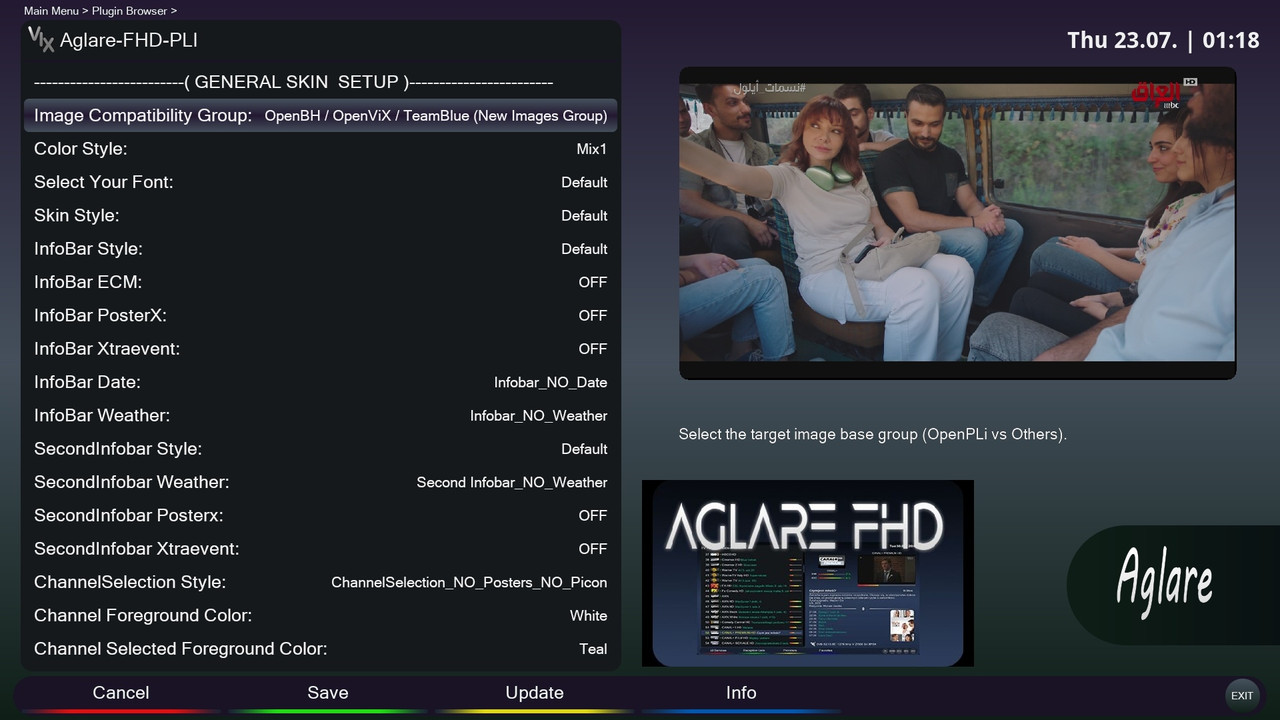
* Add option in aglare setup to select the image type , the plugin will detect the image group automatically , but you can reselect manually ,
As a test , currently the image groups are
---- openpli group "openpli , satlodge"
---- new image group "openbh , openvix , teamblue , and others"
note that by default installation , the skin will be of openpli group so it will works with all images , then you open the aglare setup to rebuild it if you have image of the new image group ,
If you have openpli , do not change this option
.
Telnet Download
PHP Code:wget -q "--no-check-certificate" https://raw.githubusercontent.com/popking159/skins/refs/heads/main/aglarepli/installer.sh -O - | /bin/sh
I think this solution - despite its difficulty for me - is the best solution for best compatibility of the skin with all images .
thanks odem2014
Aglare-FHD v8.1
Aglare-FHD v8.1
* add time in seconds in infobar ,channel list and menu
* fix some colors
* improve posterx performance
* add new option to control your epg to ensure getting correct posters , in aglare setup plugin , press EPG button and navigate to the wanted epg and edit by RED button then search in TMDB by GREEN button and select the correct event name , and now you will get the correct poster for your event ,
and of course control some items , in EPG file substitution screen press MENU to select some configurations . check and you will find out the importtance of these configurations .
thanks odem2014
Aglare-FHD v8.3
New Update
Aglare-FHD v8.3
* update posterx components .
* update aglare setup plugin , you can ON/OFF any posterx components even if the selected screen supports posterx , also EMC is now separated and has it own posterx components with ON/OFF .
* add more date and time formats in infobar .
* add infobar CD style, CD1 and CD2
* add infobar posterx, all1 and all2
* add 2nd infobar posterx , all1
* add modified AglareBitrate converter thanks to Lululla with adding the previous image and box identfication , it suppose to work perfect now .
* fix auto plugin translation of Lululla
* improve event substitution option
online update is available
odem2014
Aglare-FHD-PLI v7.2
New Update
Aglare-FHD-PLI v7.2
* update components
* add some screens
* add custom colors
* update aglare setup
N.B: i am always supporting the new images with new features . if you use old image and update the skin causes problem , revert back to the newest vesion of the skin that works good with your image ,
Please Do NOT ask for support for old images
thanks odem2014

Aglare-FHD v8.5
Thx @ Odem2014- Add new network screen for openatv .
 Posting Permissions

 Reply With Quote