Advertise Here
Advertise Here
Advertise Here
Advertise Here
Results 1 to 5 of 5

Thread: CiefpSettingsT2miAbertis

  1. #1
    Super Moderator mehmetkarahanlı's Avatar
    Join Date
    29-12-2017
    Location
    bursa
    Posts
    28,239
    Uploads
    107
    Likes
    17,068

    CiefpSettingsT2miAbertis

    CiefpSettings T2mi Abertis Plugin py3 arm

    This plugin is intended for easy installation of the necessary configurations and scripts for using T2MI Abertis functionality on Enigma2 devices.

    What does the plugin do?

    - Automatically checks system compatibility (Python 3 and ARM processor).
    - Installs **Astra-SM** via `opkg`.
    - Downloads and places configuration files:
    - **astra.conf** in `/etc/astra/`.
    - **abertis** script in `/etc/astra/scripts/`.
    - **softcam.key** in two locations: `/etc/tuxbox/config/` and `/etc/tuxbox/config/oscam-emu/`.
    - **sysctl.conf** in `/etc/`.
    - At the end of the installation, it displays an overview of the installed files and suggests a system reboot.

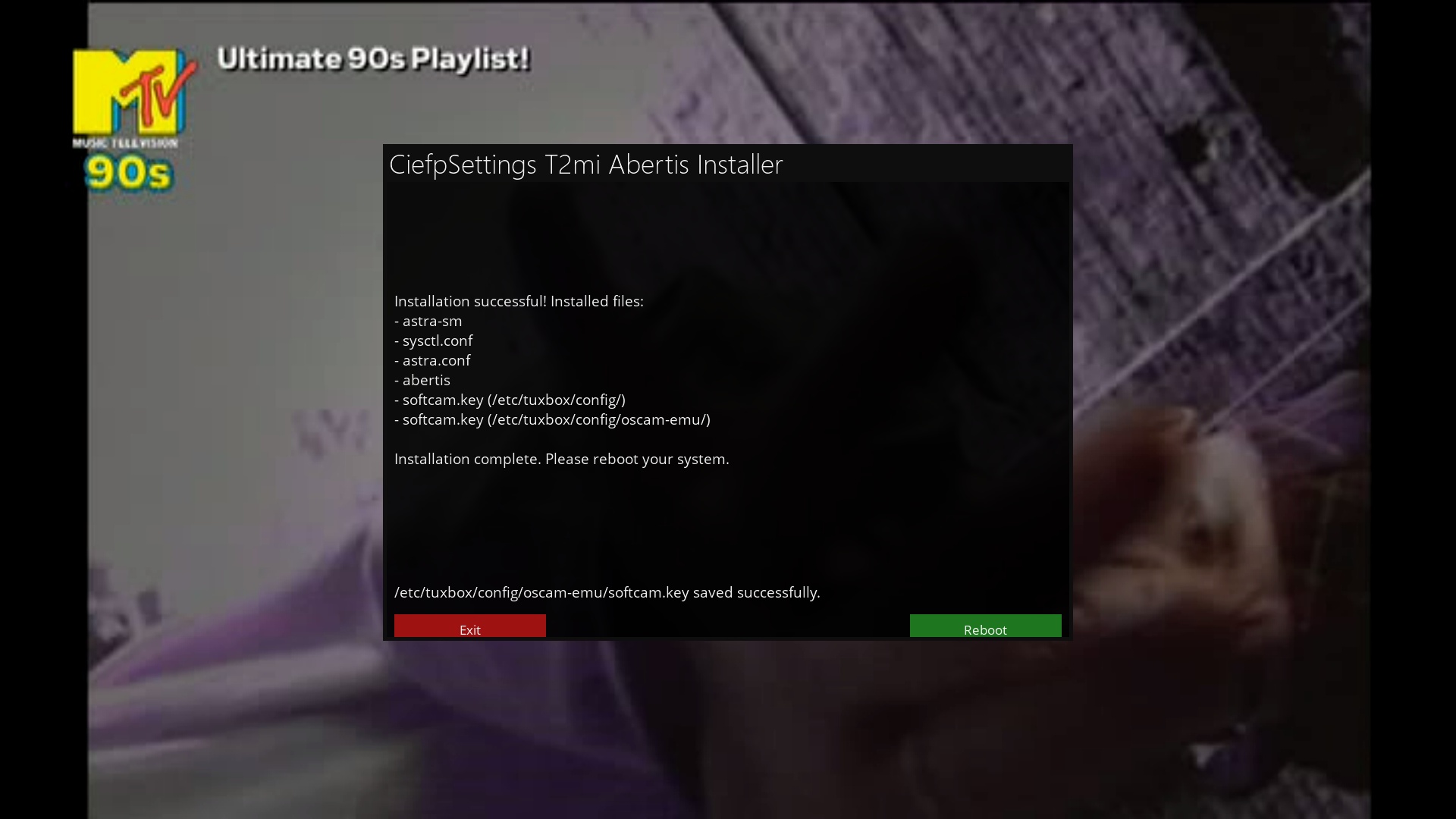
    Installation successful! Installed files:
    - astra-sm
    - astra.conf
    - abertis
    - softcam.key (/etc/tuxbox/config/)
    - softcam.key (/etc/tuxbox/config/oscam-emu/)

    Installation complete. Please reboot your system.

    Why use this plugin?

    Automatic installation and configuration without the need for manual intervention.

    Quick and easy provisioning of support for Abertis and T2MI services.

    Note:
    This version only supports ARM processors and is intended for devices using Python 3.
    installation is done via telnet with the wget command

    .::ciefpsettings::.

    Code:
    wget -q "--no-check-certificate" https://raw.githubusercontent.com/ciefp/CiefpSettingsT2miAbertis/main/installer.sh -O - | /bin/sh

  2. Advertise Here
  3. #2
    Super Moderator mehmetkarahanlı's Avatar
    Join Date
    29-12-2017
    Location
    bursa
    Posts
    28,239
    Uploads
    107
    Likes
    17,068

    Re: Ciefp Settings T2 miAbertis

    Ciefp Settıngs T2 mi Abertis
    UPTADE / 21.12.2024


    CiefpSettingsT2miAbertis.txt

    Download Above Attachment

  4. #3
    Super Moderator mehmetkarahanlı's Avatar
    Join Date
    29-12-2017
    Location
    bursa
    Posts
    28,239
    Uploads
    107
    Likes
    17,068

    Re: CiefpSettingsT2miAbertis

    CiefpSettings T2mi Abertis OpenPLi

    OpenPLi - CiefpSettings T2MI Abertis is a customized version of OpenPLi
    which enables the installation and configuration of add-ons required for using T2MI and Abertis satellite settings.
    The plugin automatically installs:
    Astra-SM: A tool for handling T2MI signals.
    Configuration files: astra-sm.conf, astra-sm.lua, and sysctl.conf.
    SoftCam.Key: Necessary for decoding.
    Abertis scripts: Optimized for ARM and MIPS architectures.
    Integration with oscam-emu.
    This plugin simplifies the installation process of the necessary components and is tailored for users who want to quickly and easily configure OpenPLi for T2MI/Abertis.


    Nameserver - DNS settings:
    In rder for the network to work properly when using a static IP address, it is necessary to set up DNS servers manually.
    These DNS servers belong to Google and enable reliable resolution of domain names.
    This is done through the network configuration:
    nameserver 8.8.8.8
    nameserver 8.8.4.4
    Restarting the network: After making changes, be sure to restart the network:
    When configured correctly, the static IP network works without problems, and the plugin can download the necessary files from the Internet.
    CiefpSettingsT2miAbertisOpenPLi.txt

  5. #4
    Super Moderator mehmetkarahanlı's Avatar
    Join Date
    29-12-2017
    Location
    bursa
    Posts
    28,239
    Uploads
    107
    Likes
    17,068

    Re: CiefpSettingsT2miAbertis

    Ciefp Settıngs T2 mi Abertis
    UPTADE / 02.04.2025
    CiefpSettings T2mi Abertis Plugin v1.6

    Nadogradnja postojećeg plugina,prilagođavanje novijim verzijama imidža.
    Plugin bi trebao da radi na većini imidža.

    Za openpli ne koristite ovaj plugin,postoji druga verzija baš za openpli.

    Prilagođavanje plugina za egami imidž plugin i dalje prijavljuje grešku na update feeda
    ali instalacija bi trebala da prođe uspešno.
    ======================================== ======================================== ========

    Upgrading the existing plugin, adapting it to newer versions of the image.
    The plugin should work on most images.

    Do not use this plugin for openpli, there is another version just for openpli.

    Customizing the plugin for the egami image plugin still reports an error on the update feed,
    but the installation should be successful.

    CiefpSettingsT2miAbertis.txt

  6. #5
    Super Moderator mehmetkarahanlı's Avatar
    Join Date
    29-12-2017
    Location
    bursa
    Posts
    28,239
    Uploads
    107
    Likes
    17,068

    Re: CiefpSettingsT2miAbertis

    Ciefp Settıngs T2 mi Abertis
    versıon : 1.1

    UPTADE / 10.04.2025

    CiefpSettings T2MI Abertis OpenPLi 1.1


    is a customized version for OpenPLi
    which enables the installation and configuration of add-ons required for using T2MI and Abertis satellite settings.
    Changes in the new version:
    Enlarged screen:
    Changed screen size from 1200x600 to 1600x800,
    adjusted widget positions and sizes (info, status, buttons) and increased font size for better readability.


    Local files:


    We have removed the download of files from the Internet (except for astra-sm)
    and switched to copying files from local directories (data and data/scripts) using shutil.copy.
    The plugin automatically installs:
    Astra-SM: A tool for handling T2MI signals. (this file is downloaded from the internet)
    Configuration files: astra-sm.conf, astra-sm.lua, and sysctl.conf, SoftCam.Key, abertis script (now copied from local directory)
    Integration with oscam-emu.
    This plugin simplifies the installation process of the necessary components and is tailored for users who want to quickly and easily configure OpenPLi for T2MI/Abertis.


    Nameserver - DNS settings:


    In order for the network to work properly when using a static IP address, it is necessary to manually set DNS servers.
    These DNS servers belong to Google and enable reliable resolution of domain names.
    This is done through network configuration:


    nameserver 8.8.8.8


    nameserver 8.8.4.4


    Restarting the network: After the changes, be sure to restart the network:
    When properly configured, the static IP network works without problems, and the plugin can download the necessary files from the Internet.


    ..:: ciefpsettings ::..


Advertise Here

Posting Permissions

  • You may not post new threads
  • You may not post replies
  • You may not post attachments
  • You may not edit your posts
  •