


Skin Youchie-PLI-FHD v1.0.0
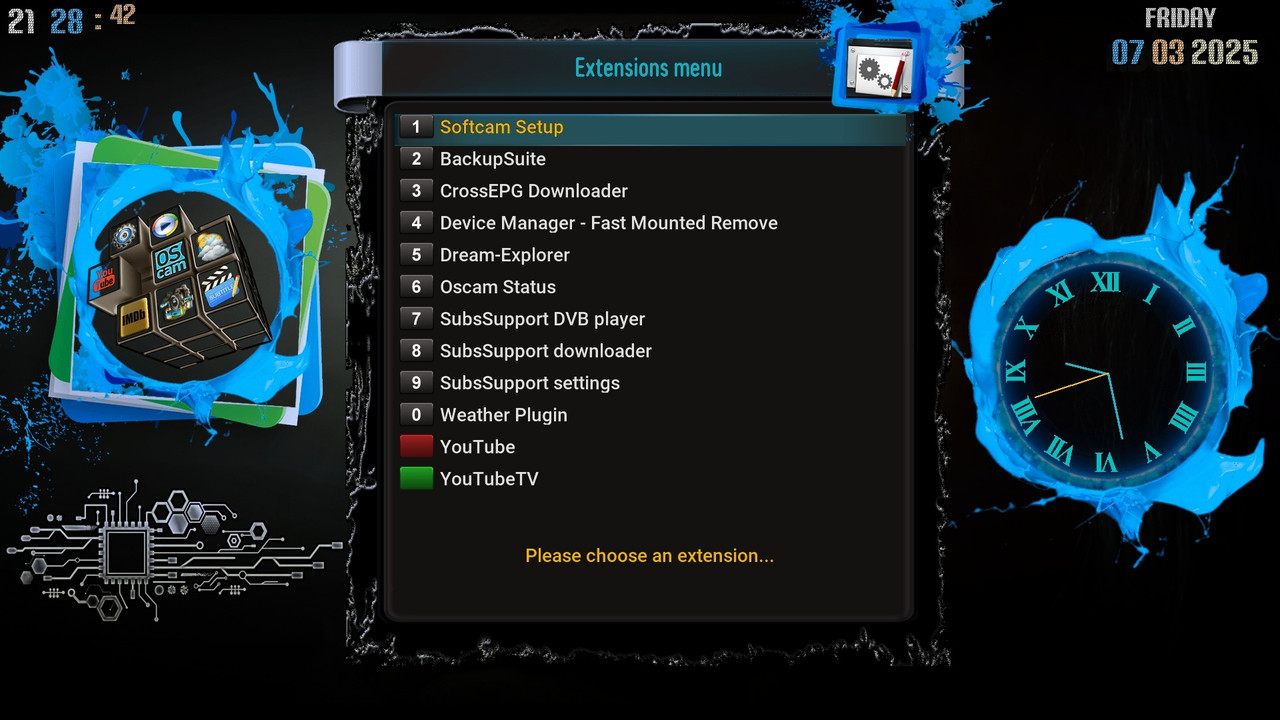
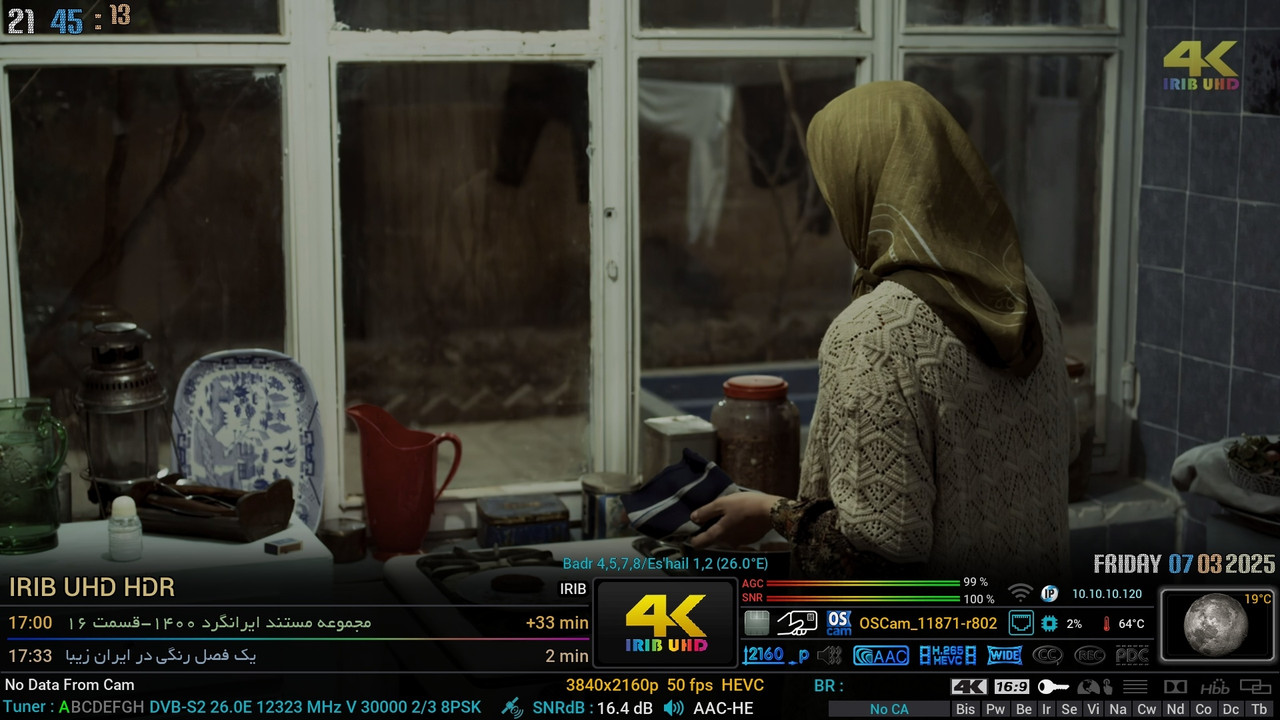
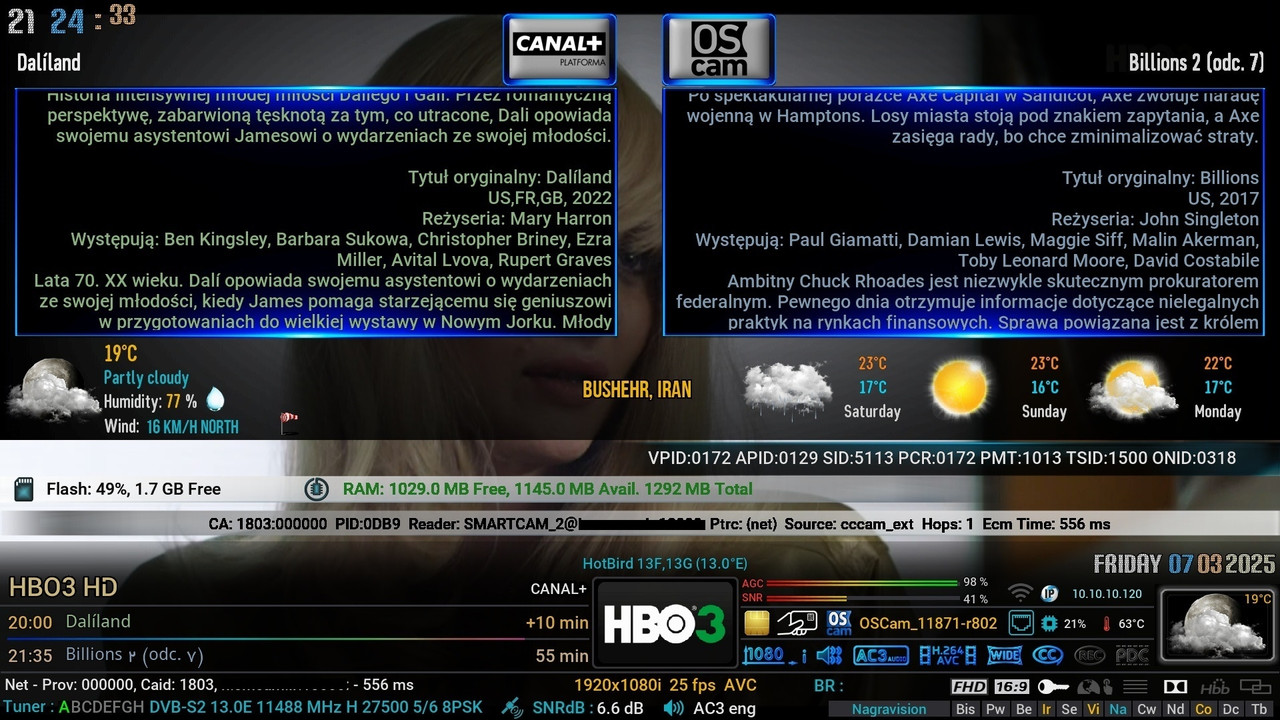
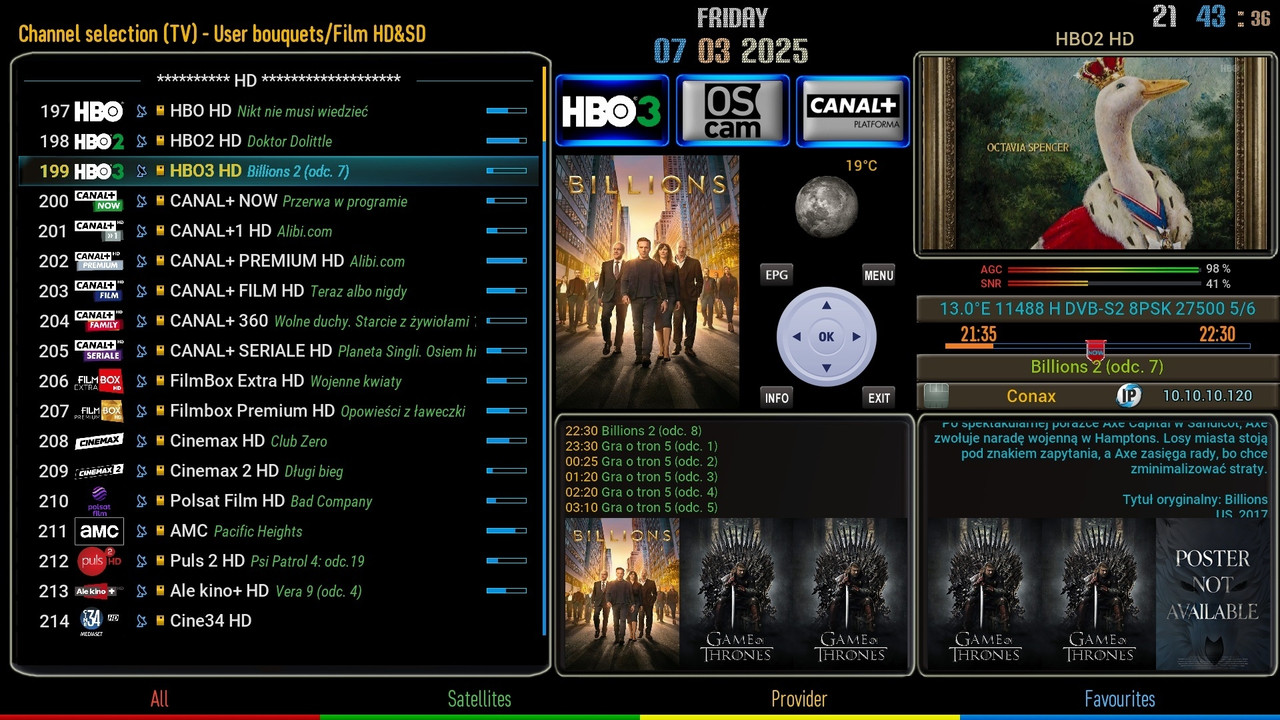
🚀 Skin Youchie-PLI-FHD v1.0.0 - For OpenBH Image Vu+ Release Date: 2025-03-08
✨ Features of this version:
✅ Supports Vu+ Receivers
✅ Compatible with: OpenBH
✅ Resolution: Full HD (FHD)
✅ Modern and stylish design
📌 Installation:
1- Download the skin.ipk file.
2- Transfer it to /tmp/ via FTP.
3- Run the following command in the terminal:
4- Restart your receiver.Code:opkg install --force-overwrite /tmp/*.ipk
⚠️ Attention:
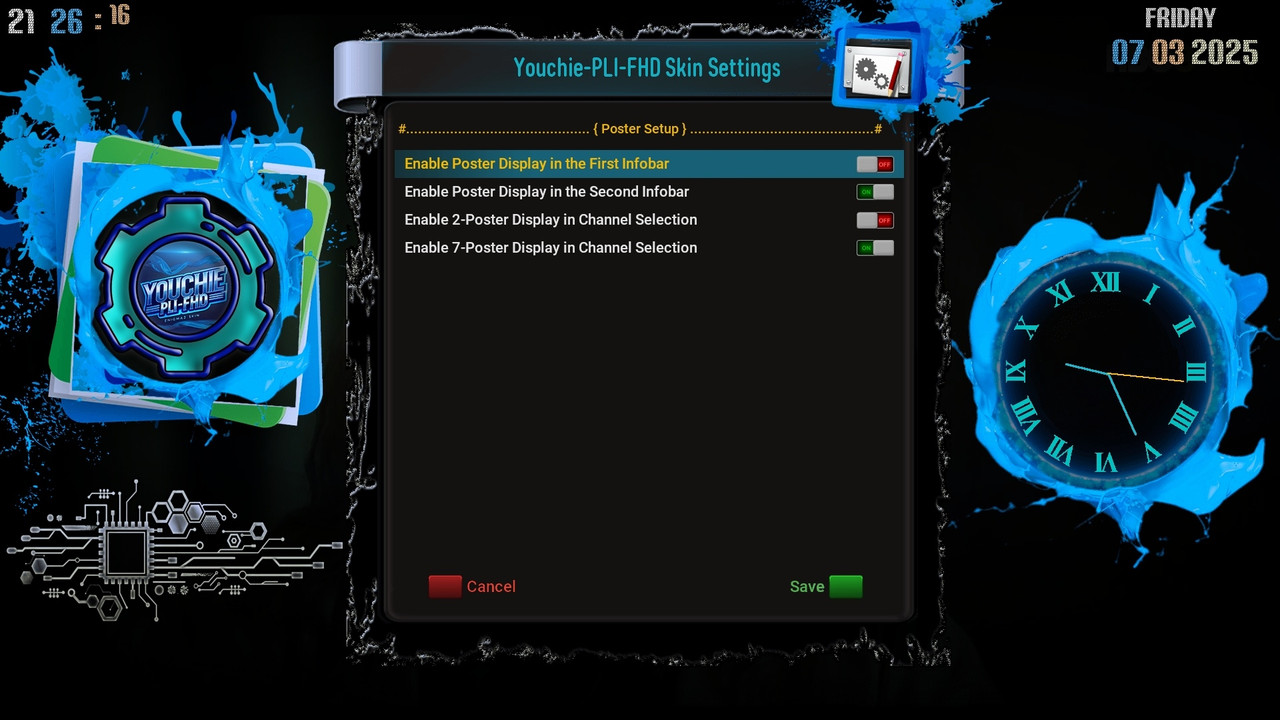
To display the poster in the skin's Infobar 1 and 2, as well as in the Channel Select, go to the plugin menu and configure the poster display settings through the YouchieSettings plugin.
........................................ .....................
To display provider picons, simply replace the Providet_iconsfile in the skin installation path at:
Code:/usr/share/enigma2/Youchie-PLI-FHD/provider_icons
Download:
Skins-Youchie-PLI-FHD-for-OpenBH_v1.0.0.ipk
Provider_icons.zip

 Reply With Quote

