


[HOW TO FLASH] how to flash AXAS E4HD HYBRID
The AXAS E4HD Hybrid is a versatile receiver that, like the Ultra model, is based on a Broadcom (BCM) chipset. The flashing logic is consistent, but the folder name must be exact for the bootloader to identify the hardware as the “Hybrid” version.
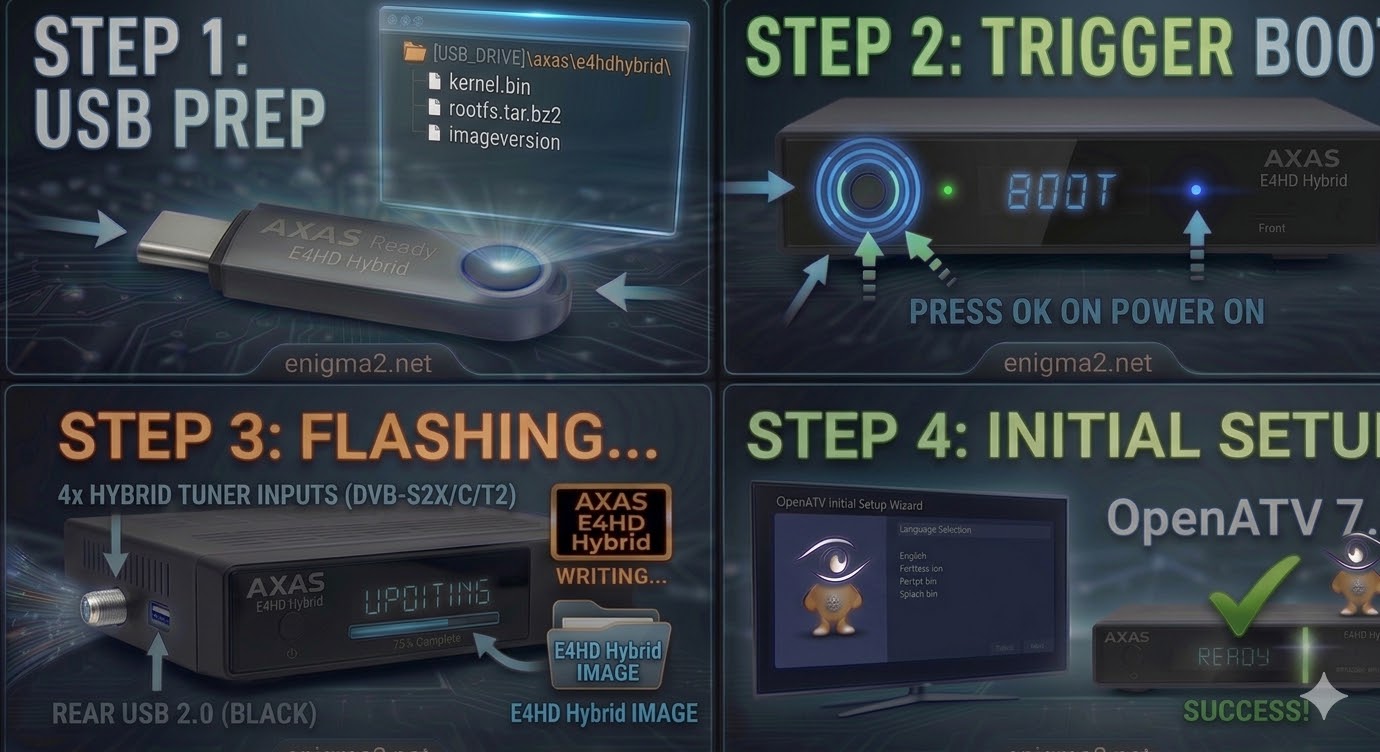
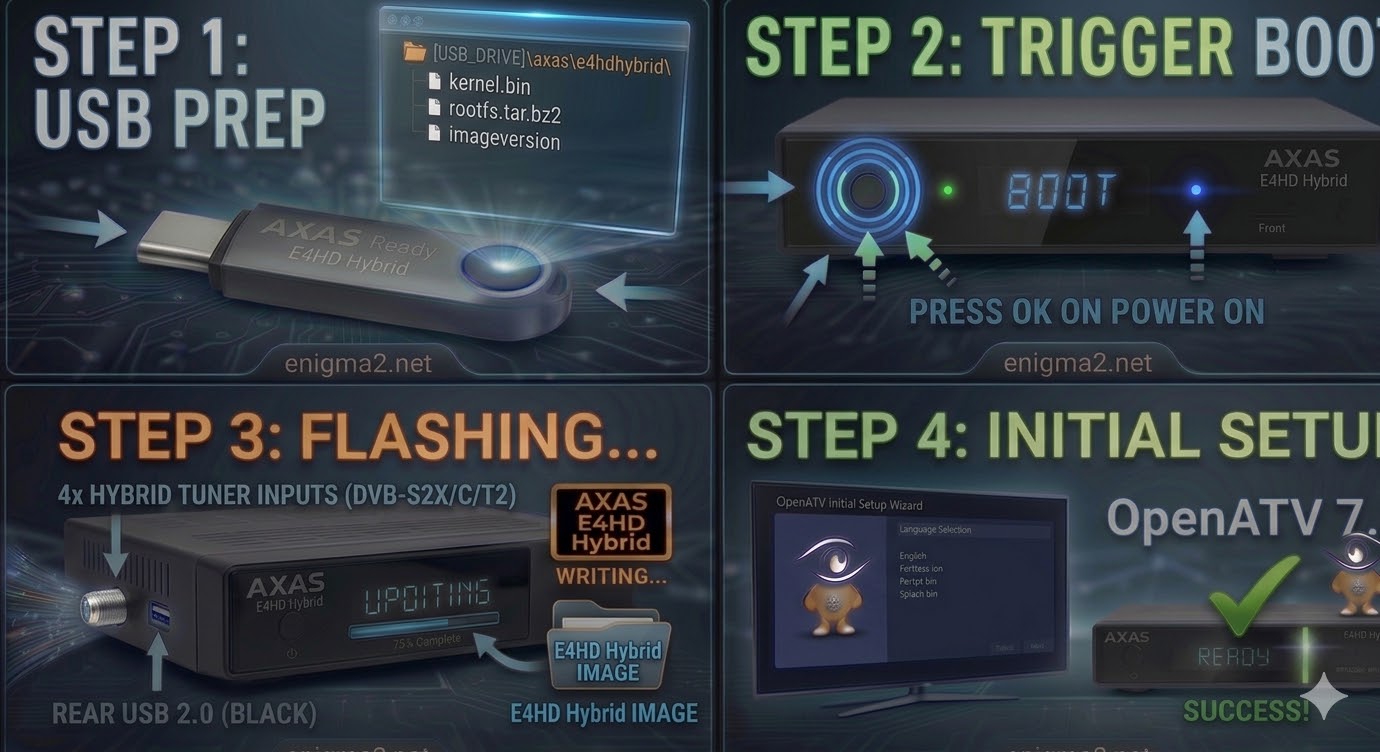
Step 1: USB Preparation
- Format: The USB drive must be formatted to FAT32. (A high-quality 8GB or smaller drive is best).
- Folder Structure: Unzip your image (e.g., OpenATV 7.x). You will see a folder named axas.
- Target Path: Inside the axas folder, the subfolder must be named e4hd.
- Path check: USB_DRIVE:\axas\e4hd\
- Files: It should contain kernel.bin, rootfs.tar.bz2, and imageversion.
Step 2: The Flashing Procedure
- Power Down: Turn off the AXAS E4HD Hybrid using the physical power switch at the back.
- Insert USB: Plug the drive into the front USB port (located behind the drop-down flap).
- Boot & Trigger:
- Switch the rear power toggle to ON.
- Watch the front panel display. When it shows “Update?” or “Press OK,” quickly press the Power/OK button on the front panel.
- Wait for Progress: The display will show “Flashing” or “Updating.” This process usually takes about 2–3 minutes. Do not interrupt the power.
- Reboot: Once the front panel indicates “Completed” or “Finished,” the box will automatically reboot. Remove the USB drive during the reboot to avoid a loop.

 Reply With Quote