How To: Split C and Ku Bands Using DiSeqC Switch


How To: Split C and Ku Bands Using DiSeqC Switch
Dreambox_7000_For_Newbies : Version 5.5
Dreambox_500_For_Newbies : Version 5.5
DreamBox TS to DVD : An how to transfer TS files to an DVD
- Start PVAStrumento’s GUI version and chooce your .ts file.
- Press “info” to confirm that PVAStrumento is able to read the stream, if successfull you will get
alot of info about the file in the right text box.(eg. to verify that the stream if DVD compliant)- Press “demux”.
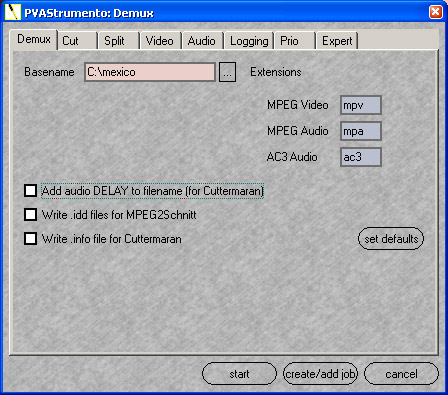
- First choose the location and filename of the mpv/mpa file you want to create.
- Remove the “Add audio DELAY….” flag. (You don’t need that)
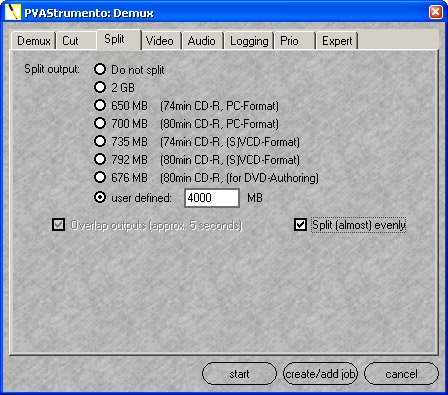
- Press on the “Split” tab.
- You want to create DVD’s with appr. 4 Gb each, so write 4000 mb in the “user defined” field. Click “Split (almost) evenly”.
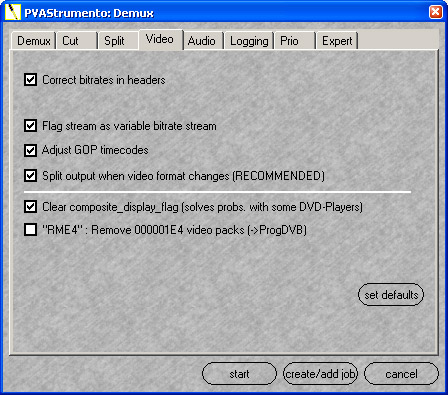
- Press on the “Video” tab.
- Use the default setting.
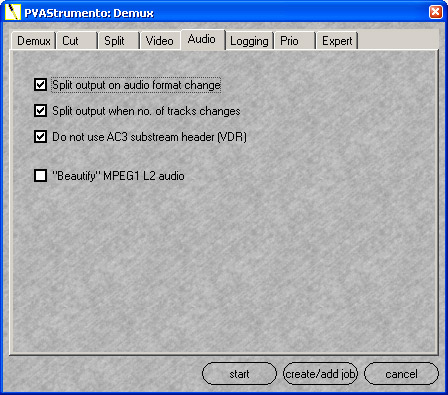
- Press on the “Audio” tab.
- Use the default setting.
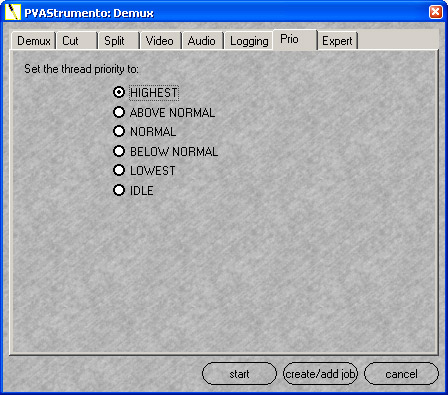
- Press on the “Prio” tab.
- If your want to complete the convertion in a hurry, chooce “HIGHEST” here. (Best thing to do,
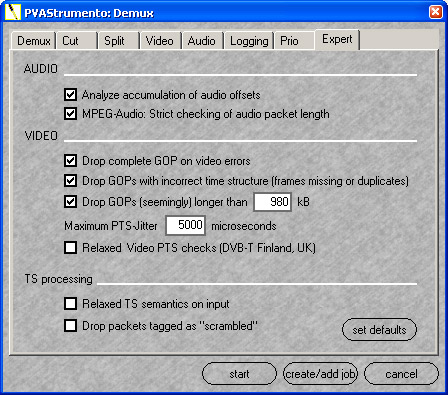
and then don’t use your computer during the processing.)- Next press on the “Expert” tab.
- Again just use the default setting.
- Press on the “start” tab. And the files are generated on the choosen location.
Dreambox 7020 for newbies


i see that many files are lost , here u have tuto dreambox for newbies 6.1
 Posting Permissions

 Reply With Quote